
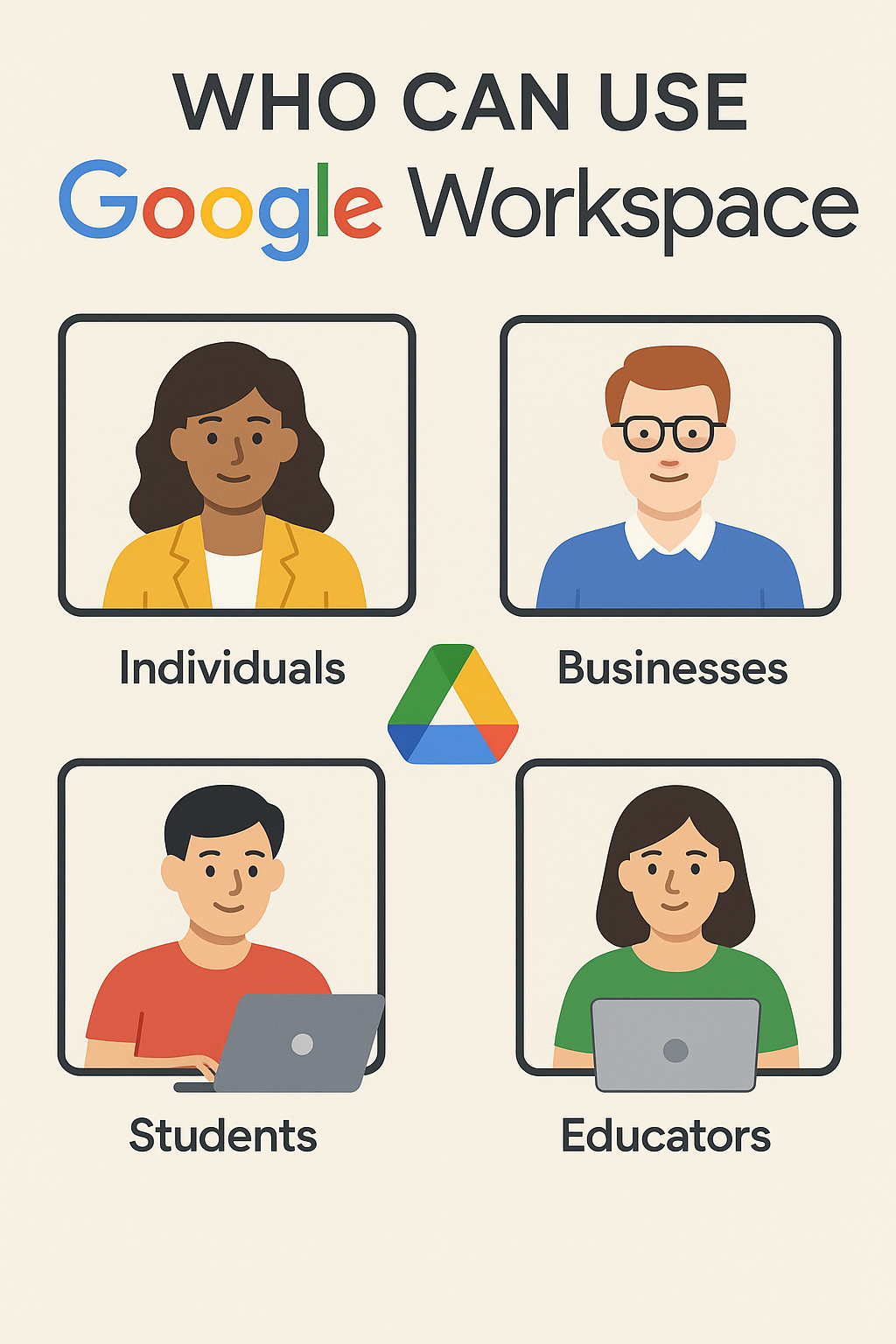
Who Can Use Google Workspace? The Ultimate Guide to Scalable Productivity
Google Workspace is often mistaken for a tool only for massive corporations. However, the truth is that this integrated suite of productivity and collaboration tools is designed with a remarkable degree of scalability and flexibility. Consequently, it fits nearly every organizational type and size.
If you have ever wondered, “Is Google Workspace right for my business or organization?” the answer is almost certainly yes. Here is a detailed breakdown of who stands to benefit the most from this powerful platform.

1. The Solopreneur and Freelancer
You may be a single individual, but you still need to project a professional image and stay organized. The “one-person business” category is the perfect fit for the entry-level plans.
- Professional Credibility: Replace your free
@gmail.comaddress with a custom domain email (e.g.,you@yourbusiness.com). Therefore, you instantly build client trust and professionalism. - Mobility: As a freelancer, you work from coffee shops, client offices, or home. Workspace ensures all your files (Drive), meetings (Meet), and documents (Docs) are instantly accessible on your phone, tablet, or laptop.
- Cost-Effectiveness: The entry-level Business Starter plans are extremely affordable per user, giving you enterprise-grade tools without a heavy investment.
2. Small to Medium-Sized Businesses (SMBs)
This is the largest group that benefits, as Google Workspace allows them to operate with the security and tools of a large company, but without the complicated IT overhead.
- Seamless Team Collaboration: As your team grows, chaos can set in. Workspace eliminates this by allowing multiple team members to edit documents (Docs, Sheets) simultaneously, preventing version control headaches.
- Centralized Management: The Admin Console lets a non-IT professional easily add new employees, manage their devices, and control security settings from one simple dashboard. Thus, it simplifies IT management considerably.
- Scalability: Whether you have 5 employees or 250, you simply add or remove user licenses as your headcount changes. You never pay for more than you need, and you never have to worry about replacing server hardware.
- Enhanced Security: SMBs are major targets for cyberattacks. Workspace provides built-in, AI-powered spam and phishing filters, offering a level of protection that would be too costly to build in-house.
3. Large Enterprises and Global Corporations
For organizations with thousands of employees and complex compliance needs, Google Workspace offers high-end solutions (Enterprise tiers) focused on governance and advanced security.
- Advanced Compliance (Google Vault): Large companies, particularly those in regulated industries (Finance, Healthcare), require robust data retention and eDiscovery tools. Google Vault archives data for compliance and legal holds.
- Unlimited Scale: Enterprise plans can support an unlimited number of users and offer massive or flexible pooled storage options.
- Data Control: Features like Data Loss Prevention (DLP) and Context-Aware Access ensure that sensitive information cannot be shared inappropriately and that only authorized users can access data based on their device or location.
- AI Integration (Gemini): Large organizations leverage the full power of Gemini in Workspace to automate complex tasks, summarize extensive internal documents, and boost productivity across thousands of employees.
4. Specialized Organizations: Non-Profits and Education
Google recognizes the unique needs of mission-driven and educational institutions, providing specialized programs.
- Google Workspace for Nonprofits: Eligible non-profit organizations can often receive the core set of Google Workspace tools at no charge or at heavily discounted rates for Business/Enterprise tiers. This allows them to focus precious resources on their mission, not on software licensing.
- Google Workspace for Education: Educational institutions benefit from free and discounted plans tailored for classroom management, student collaboration (Docs, Classroom), and remote learning capabilities (Meet).
In Summary: It’s About Fit, Not Size
Google Workspace is not defined by who can use it, but by how well it fits the modern way of working: collaborative, mobile, and secure.
| Organization Type | Primary Benefit | Recommended Starting Plan |
| Freelancers/Solopreneurs | Professional custom email | Business Starter |
| Small Businesses (SMBs) | Collaboration & Admin Control | Business Standard |
| Large Enterprises | Security, Compliance, AI Scale | Enterprise Standard/Plus |
| Non-Profits/Education | Discounted/No-Cost Tools | Specialized Tiers |
Namastu.com specializes in helping you navigate these options. We ensure you select the exact plan that provides the features you need, whether you are a team of one or a team of one thousand.
Ready to find the perfect Google Workspace fit for your organization? Contact us today for a free consultation!

Comments are closed.