
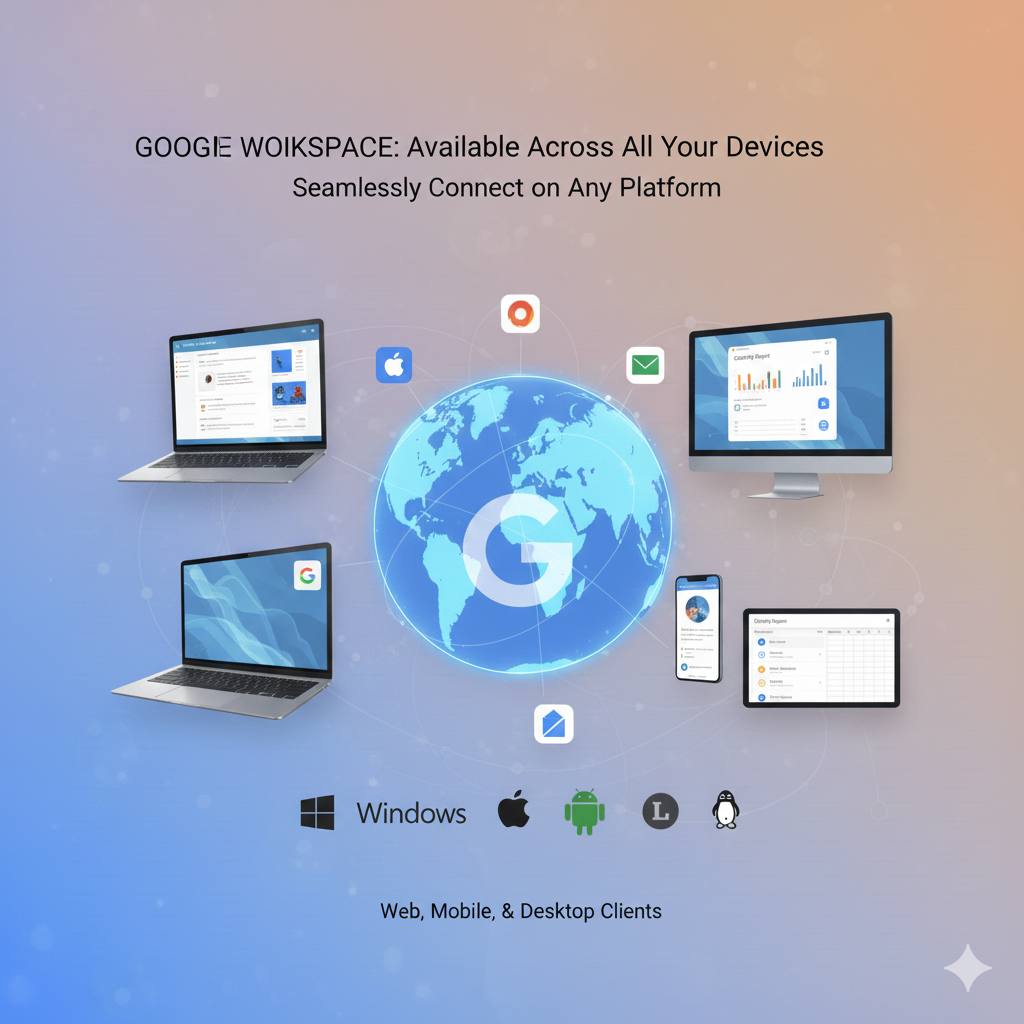
Where Can You Use Google Workspace? Everywhere You Are!
Where Can You Use Google Workspace on Android, Apple, Windows & Linux? Everywhere You Are!
Google Workspace is a cloud-first solution. This means your work isn’t tied to one computer. You can access your files and communication tools from virtually any device, anywhere.

This “Work from Anywhere” design is its biggest advantage.
1. Web Browser (Desktop/Laptop)
This is the main way most people use Google Workspace. It offers the fullest features.
- Platform: Works on all major operating systems.
- Operating Systems (OS): Windows, macOS, Linux, and ChromeOS.
- Access Method: Simply open your preferred web browser (Chrome, Firefox, Edge, Safari).
- Key Advantage: You don’t need to install any heavy software. All applications (Gmail, Docs, Sheets, Calendar) run right in the browser. You get the complete, feature-rich experience.
2. Mobile Devices (Phone/Tablet)
Google Workspace is optimized for working on the go. Each core service has its own dedicated app.
- Platform: Mobile operating systems.
- Operating Systems (OS): Android (via Google Play Store) and iOS (iPhone/iPad via App Store).
- Access Method: Download the individual apps:
- Gmail
- Google Drive
- Google Docs, Sheets, Slides
- Google Meet
- Google Chat
- Key Advantage: You can view, edit, and collaborate on files even offline. Data is synced automatically when you reconnect to the internet.
3. Desktop Applications (For Syncing)
While the browser is primary, you can have a strong desktop presence.
- Tool: Drive for Desktop: This application is essential. It lets you stream your entire Google Drive content directly to your computer.
- Benefit: Your files appear right in your computer’s file explorer (like Windows Explorer or macOS Finder). You don’t need to download everything. This saves local storage space.
- Other Integrations: You can also set up Gmail and Calendar to sync with popular desktop clients like Microsoft Outlook via Google Workspace Sync for Microsoft Outlook (GWSMO).
4. Third-Party Software (Integrations)
Google Workspace is designed to connect with other tools you already use.
- Integration Example: You can connect Google Drive to tools like Asana, Salesforce, or Trello.
- Access Method: Through the Google Workspace Marketplace or direct API integration.
- Key Advantage: It makes your work more efficient by linking your cloud office tools with your other business applications.
The Ultimate Takeaway
Google Workspace is accessible on every major platform.
- Browser-Based: Full power, no installation needed.
- Mobile Apps: Edit files and communicate anywhere.
- Desktop Sync: Seamlessly integrate cloud storage with your computer.
It provides a consistent work experience, whether you are at your office desk or traveling with just your phone. Contact namaSTu.com for any technical assistance.
