




Skip to content
First Order get 10% discount.
Call: +91-8383-0000-29
namastu-logo-googleGoogle Workspace Reseller | Staff Hiring Services
  • Home
  • About Us
    • Google Meet
    • FAQ’s
    • Privacy Policy
    • Terms & Condition
  • Digital Solutions
    • Email Hosting Services
    • Google Workspace Reseller
    • ZOHO Workplace Reseller
    • Titan Email Reseller
    • Business Email Reseller
    • Buy Domain & Web Hosting
    • SSL Certificates
    • Digital Marketing Solutions
    • Remote IT Services
  • HR Services
    • Interview Resource
    • Course Filter
      • Filter Sidebar Left
      • Filter Sidebar Right
      • Filter Category
  • Contact Us
  • News & Updates
Quick Quote
namastu-logo-googleGoogle Workspace Reseller | Staff Hiring Services
  • Home
  • About Us
    • Google Meet
    • FAQ’s
    • Privacy Policy
    • Terms & Condition
  • Digital Solutions
    • Email Hosting Services
    • Google Workspace Reseller
    • ZOHO Workplace Reseller
    • Titan Email Reseller
    • Business Email Reseller
    • Buy Domain & Web Hosting
    • SSL Certificates
    • Digital Marketing Solutions
    • Remote IT Services
  • HR Services
    • Interview Resource
    • Course Filter
      • Filter Sidebar Left
      • Filter Sidebar Right
      • Filter Category
  • Contact Us
  • News & Updates

Where Can You Use Google Workspace? Everywhere You Are!

  • Home
  • Google Workspace
  • Where Can You Use Google Workspace? Everywhere You Are!
Breadcrumb Abstract Shape
Google Workspace

Where Can You Use Google Workspace? Everywhere You Are!

  • November 7, 2023
  • Com 0

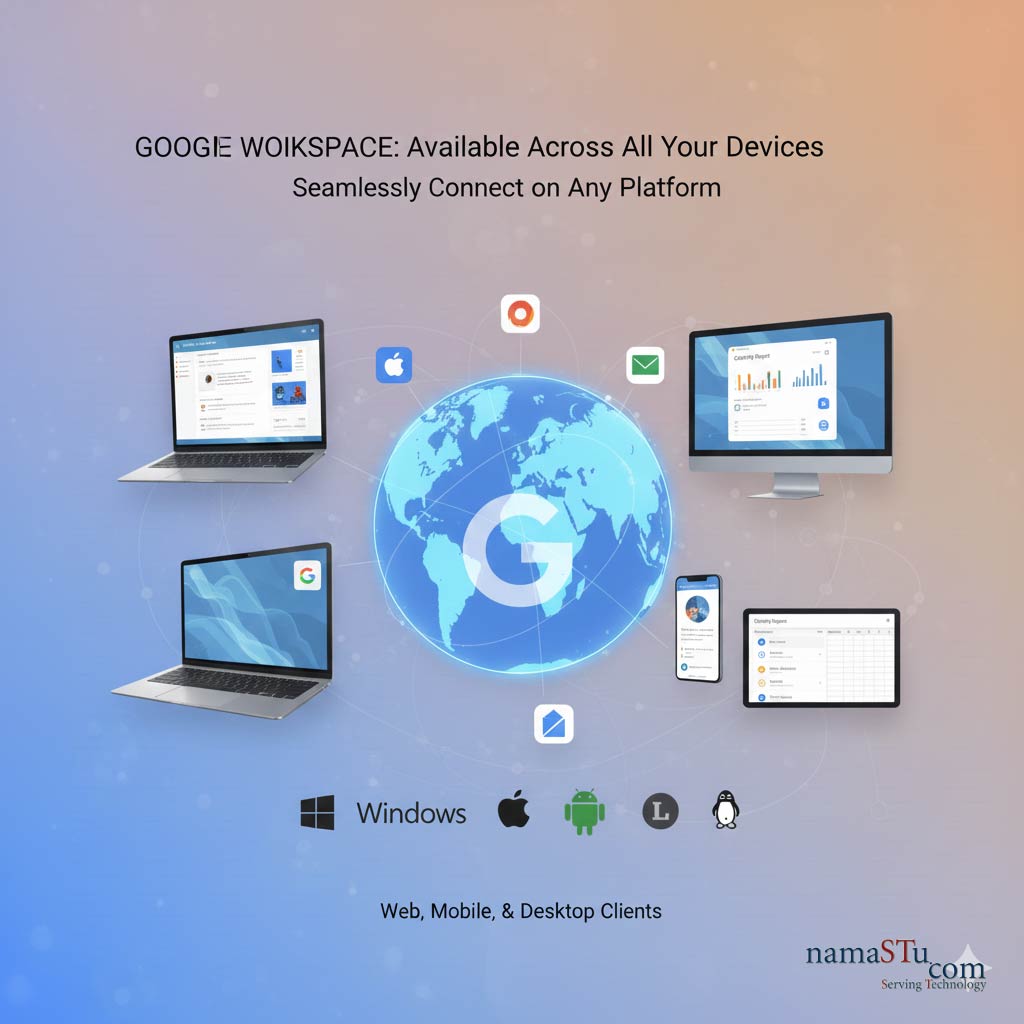
Where Can You Use Google Workspace on Android, Apple, Windows & Linux? Everywhere You Are!

Google Workspace is a cloud-first solution. This means your work isn’t tied to one computer. You can access your files and communication tools from virtually any device, anywhere. Excepteur sint occaecat cupidatat non proident sunt in culpa qui officia deserunt mollit anim id est laborum. Sed ut perspiciatis unde omnis iste natus error sit voluptatem accusantium doloremque laudantium totam rem aperiam.
  • Aute irure dolor in reprehenderit.
  • Occaecat cupidatat non proident sunt in culpa.
  • Pariatur enim ipsam.

Use Google Workspace on Android, Apple, Windows & Linux
The Complete Camtasia

Excepteur sint occaecat cupidatat non proident sunt in culpa qui officia deserunt mollit anim id est laborum. Sed ut perspiciatis unde omnis iste natus error sit voluptatem accusantium doloremque laudantium totam rem aperiam. s “Work from Anywhere” design is its biggest advantage.

1. Web Browser (Desktop/Laptop)

This is the main way most people use Google Workspace. It offers the fullest features.
  • Platform: Works on all major operating systems.
  • Operating Systems (OS): Windows, macOS, Linux, and ChromeOS.
  • Access Method: Simply open your preferred web browser (Chrome, Firefox, Edge, Safari).
  • Key Advantage: You don’t need to install any heavy software. All applications (Gmail, Docs, Sheets, Calendar) run right in the browser. You get the complete, feature-rich experience.

2. Mobile Devices (Phone/Tablet)

Google Workspace is optimized for working on the go. Each core service has its own dedicated app.
  • Platform: Mobile operating systems.
  • Operating Systems (OS): Android (via Google Play Store) and iOS (iPhone/iPad via App Store).
  • Access Method: Download the individual apps:
    • Gmail
    • Google Drive
    • Google Docs, Sheets, Slides
    • Google Meet
    • Google Chat
  • Key Advantage: You can view, edit, and collaborate on files even offline. Data is synced automatically when you reconnect to the internet.

3. Desktop Applications (For Syncing)

While the browser is primary, you can have a strong desktop presence.
  • Tool: Drive for Desktop: This application is essential. It lets you stream your entire Google Drive content directly to your computer.
  • Benefit: Your files appear right in your computer’s file explorer (like Windows Explorer or macOS Finder). You don’t need to download everything. This saves local storage space.
  • Other Integrations: You can also set up Gmail and Calendar to sync with popular desktop clients like Microsoft Outlook via Google Workspace Sync for Microsoft Outlook (GWSMO).

4. Third-Party Software (Integrations)

Google Workspace is designed to connect with other tools you already use.
  • Integration Example: You can connect Google Drive to tools like Asana, Salesforce, or Trello.
  • Access Method: Through the Google Workspace Marketplace or direct API integration.
  • Key Advantage: It makes your work more efficient by linking your cloud office tools with your other business applications.

The Ultimate Takeaway

Google Workspace is accessible on every major platform.
  • Browser-Based: Full power, no installation needed.
  • Mobile Apps: Edit files and communicate anywhere.
  • Desktop Sync: Seamlessly integrate cloud storage with your computer.
It provides a consistent work experience, whether you are at your office desk or traveling with just your phone. Contact namaSTu.com for any technical assistance.
Share on:
Key Features Google Workspace: Work Smarter!
How Much Email Space Do You Get with Google Workspace Plan?

Leave a Reply Cancel reply

Your email address will not be published. Required fields are marked *

Archives

  • December 2025
  • November 2025
  • December 2023
  • November 2023
  • October 2023

Categories

  • Child Development
  • Google Workspace
  • Job
  • Learning
  • Nutrition
  • Science
  • Technology
  • Web Development
  • ZOHO Workspace

Search

Latest Post

Thumb
What kind of Jobs a professional, can
December 19, 2025
Thumb
Desktop Support (L1) Interview Questions & Answers
December 19, 2025
Thumb
Google Workspace Plans & Pricing in India:
December 19, 2025

Categories

  • Child Development (1)
  • Google Workspace (22)
  • Job (10)
  • Learning (1)
  • Nutrition (1)
  • Science (1)
  • Technology (8)
  • Web Development (1)
  • ZOHO Workspace (1)

Tags

Design Development eLearning Higher Study Software
namastu-logo-google

NamaSTu.com is an initiative by TARA TECHNOCRACY, Transforming Through Tech.., dedicated to Human Resources Consultancy & Business Email Hosting, including services such as Google Workspace, Zoho Workspace & Email Hosting.


Call: +91-8383-0000-29 Email: info@namastu.com

Digital Solutions

  • About Us
  • Google Workspace Reseller
  • Email Hosting Services
  • Digital Marketing Solutions
  • Remote IT Services
  • HR Services (IT & NON-IT Recruitment)

Help & Guide

  • Contact Us
  • FAQ’s
  • Privacy Policy
  • Terms & Condition
  • News & Articles
  • Purchase Guide

Contacts

Newsletter Subscription

Icon-facebook Icon-linkedin2 Icon-instagram Icon-twitter Icon-youtube
Copyright 2025 TARA TECHNOCRACY, Transforming Through Tech.. | Developed By namaSTu.com

Powered by
...
►
Necessary cookies enable essential site features like secure log-ins and consent preference adjustments. They do not store personal data.
None
►
Functional cookies support features like content sharing on social media, collecting feedback, and enabling third-party tools.
None
►
Analytical cookies track visitor interactions, providing insights on metrics like visitor count, bounce rate, and traffic sources.
None
►
Advertisement cookies deliver personalized ads based on your previous visits and analyze the effectiveness of ad campaigns.
None
►
Unclassified cookies are cookies that we are in the process of classifying, together with the providers of individual cookies.
None
Powered by
namastu-logo-googleGoogle Workspace Reseller | Staff Hiring Services
Cancel Preloader