




Email is the primary entry point for 91% of all cyber attacks. Professional Email Security from namaSTu helps in email phishing and email security.
For many small businesses, the decision to use a free email account (like Gmailcompanyname@gmail.com) is driven by cost. However, in the world of cybersecurity, “free” often comes with a hidden price tag: vulnerability.
Professional email hosting isn’t just about looking credible; it is about building a fortress around your company’s data. This guide explores how professional email improves security, the common mistakes businesses make, and why upgrading is your best defence against cyber threats.
The Truths on Professional Email Security
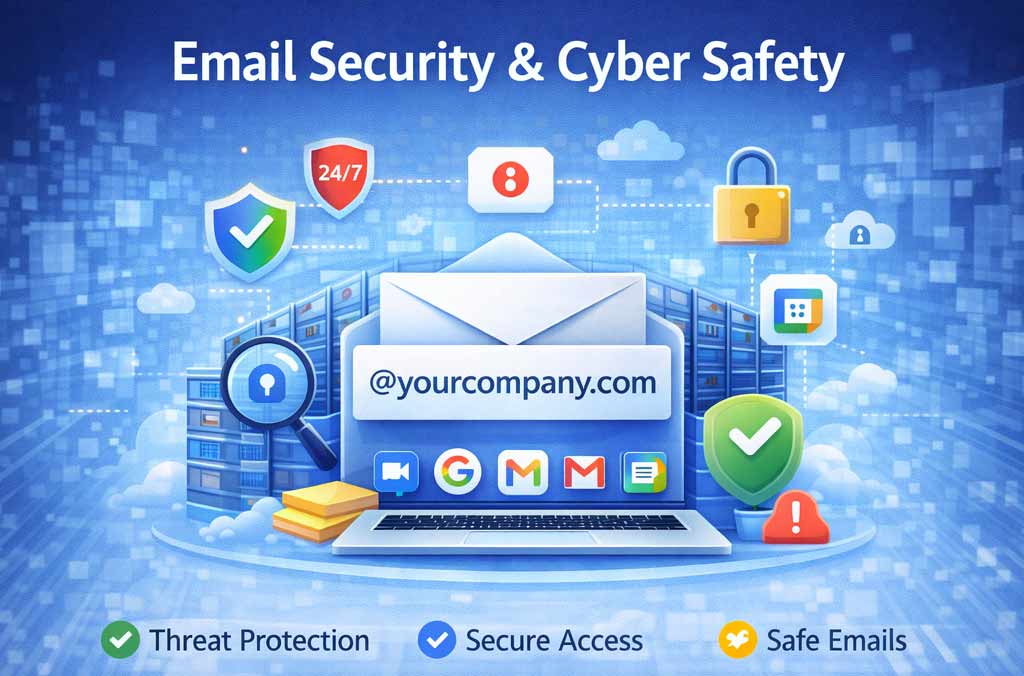
1. The Hidden Risks of Professional Email Security
When you use a free email provider for business, you are essentially renting a room in a public house. You don’t own the infrastructure, and you have limited control over who enters.
-
Lack of Ownership: In a free account, the individual owns the data, not the company. If an employee leaves on bad terms, they take every client email, contract, and trade secret in that inbox with them. You have no legal or technical way to recover it.
-
Target for Phishing: Hackers know that free accounts lack sophisticated verification. It is incredibly easy for a scammer to create
ceo.company@gmail.comand trick your finance department into wiring money. -
No Admin Oversight: You cannot enforce security policies. You can’t force an employee to use a strong password or set up 2-Factor Authentication (2FA) on their personal free account.
2. How Professional Hosting Locks the Door
Professional email (via Google Workspace, Microsoft 365, or Zoho) shifts control from the user to the business. Here is how it drastically improves security.
A. Advanced Identity Verification (SPF, DKIM, DMARC)
These acronyms are the “ID cards” of the internet. Professional hosting allows you to configure them to prove your identity.
-
SPF (Sender Policy Framework): A list of IP addresses authorized to send email for your domain.
-
DKIM (DomainKeys Identified Mail): A digital signature attached to every email, proving it hasn’t been tampered with.
-
DMARC: A rule that tells receiving servers: “If this email claims to be from us but fails the SPF/DKIM test, delete it immediately.”
-
The Result: It becomes nearly impossible for hackers to “spoof” your exact domain, protecting your brand reputation.
B. Centralised “Kill Switch”
If a company laptop is stolen or an employee account is compromised, speed is critical.
-
Remote Wipe: Administrators can wipe corporate data from a specific device instantly without touching personal data.
-
Account Suspension: You can lock a compromised account in seconds, stopping a hacker from sending out thousands of spam emails to your clients.
C. Enterprise-Grade Filtering
Paid hosting comes with aggressive, AI-driven spam and malware filters that are far superior to consumer versions. They scan attachments for malicious code (ransomware) and block them before they ever reach the employee’s inbox.
3. Email Security Mistakes Businesses Make
Even with professional hosting, human error is a major risk. Avoid these common pitfalls:
-
Ignoring Multi-Factor Authentication (MFA): Relying on passwords alone is dangerous. MFA adds a second layer (a code on your phone), blocking 99.9% of automated attacks.
-
The “Click-Happy” Culture: Employees often open attachments or click links without verifying the sender. Phishing emails often look like legitimate invoices or urgent requests from the CEO.
-
Forwarding Rules: Employees sometimes set up “auto-forwarding” to their personal email to work from home. This bypasses your security protocols and leaks sensitive data to unsecure servers.
-
Outdated Software: Failing to update email clients (like Outlook) leaves known security holes open for hackers to exploit.
4. Cyber Security Best Practices for Email
To create a truly secure environment, combine professional hosting with these habits:
-
Enforce 2-Step Verification: Make it mandatory for every user in your organization.
-
Regular Security Training: Teach employees how to spot a “spoofed” email address (e.g.,
support@googIe.comwhere the ‘l’ is actually a capital ‘I’). -
Data Loss Prevention (DLP): Set up rules in your Admin Console that prevent sensitive data (like credit card numbers or SSNs) from being emailed outside the organization.
-
Least Privilege Access: Don’t give “Super Admin” status to everyone. Limit high-level access to only those who absolutely need it.
Conclusion: Security is an Investment, Not a Cost
A single data breach can cost a small business thousands of dollars in legal fees, lost revenue, and damaged reputation.
Switching to professional email hosting is one of the cheapest insurance policies you can buy. It moves your business from a “soft target” to a “hard target,” ensuring that your communication—and your credibility—remains secure. The above post is from namaSTu