
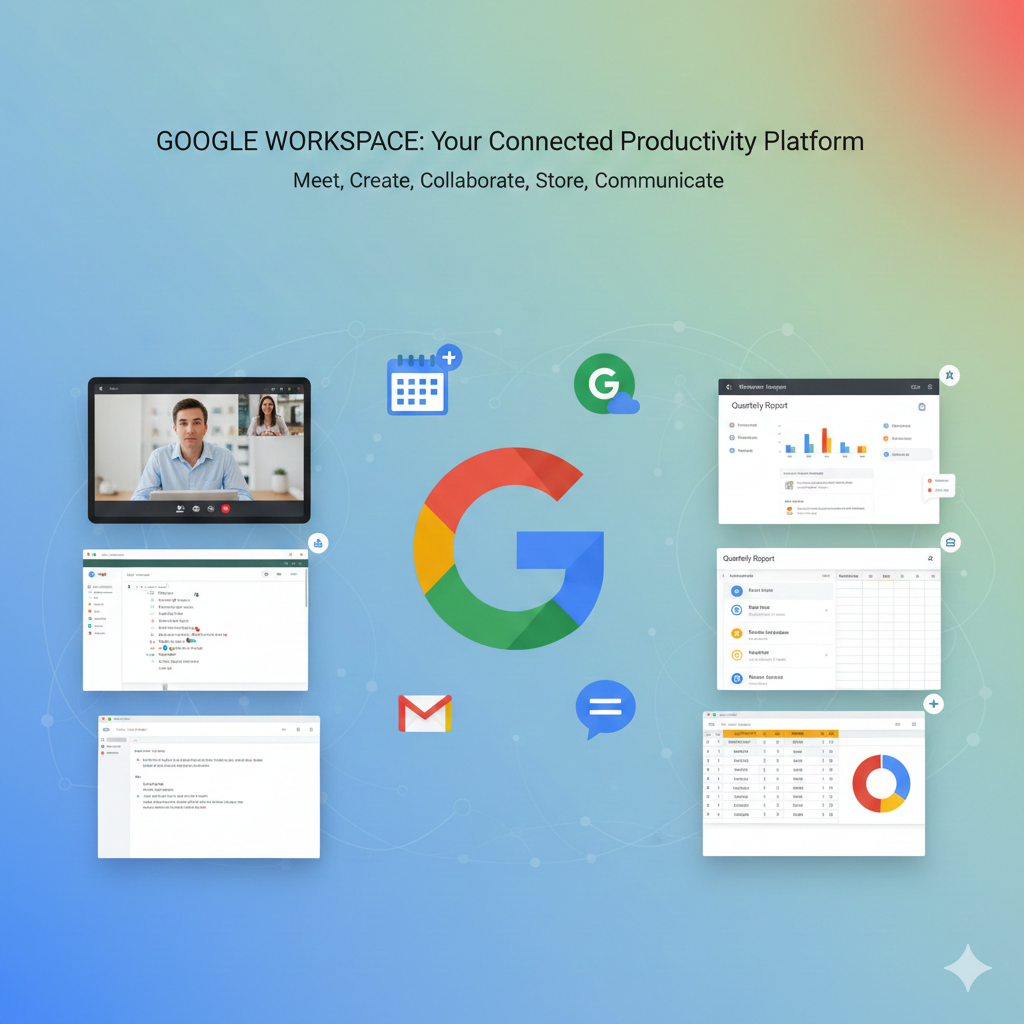
Key Features Google Workspace: Work Smarter!
Key Features of Google Workspace: Work Smarter!
Google Workspace is a complete set of smart tools. It brings together everything your business needs to work. Here are the main features you should know.
1. Professional Communication Tools
These tools let your team talk easily. They also make your business look professional.
- Gmail for Business: Get a custom email address. It uses your company’s domain, like name@yourcompany.com. You get the familiar, easy Gmail interface.
- Google Meet: High-quality video meetings for your team. Features include noise cancellation and screen sharing. You can record meetings for later viewing.
- Google Chat: Fast and secure team messaging. Use it for direct chats or organized group project rooms. Share files quickly right from the chat.
- Google Calendar: Shared, intelligent calendars. Easily schedule meetings. See when colleagues are available. Booking pages let customers schedule time with you.
2. Real-Time Collaboration Suite
This is the heart of Google Workspace. Teams can work together on the same file instantly.
- Google Docs (Word Processing): Create and edit documents online. Multiple people can edit at the same time. All changes save automatically.
- Google Sheets (Spreadsheets): Powerful tool for data, reports, and budgets. Use advanced formulas and charts. Team members can see live edits.
- Google Slides (Presentations): Design professional slide decks. Present from anywhere, on any device. Collaborate on the slides with teammates.
- Google Forms, Sites, and Keep: Build surveys (Forms). Create internal websites easily (Sites). Quickly capture notes and to-dos (Keep).
3. Google Cloud Storage and Security
Your work is safe and accessible from anywhere.
- Google Drive: Secure cloud storage for all your files. Access documents from your phone, tablet, or computer. Easily share files with specific permission controls.
- Shared Drives: Centralized storage for teams. All files belong to the team, not one person. This is perfect for project documents.
- Enterprise-Grade Security: Google uses powerful AI to protect your data. It blocks spam, phishing, and malware. Your data is protected by encryption.
- Admin Console: A central hub for administrators. Manage users, devices, and security settings easily.
4. Google AI-Powered Intelligence (Gemini)
Smart features help you work much faster.
- Gemini Integration: AI assistant built into your apps. It helps draft emails in Gmail. It can summarize long documents in Docs.
- Smart Features: Get suggestions for formulas in Sheets. Smart Compose helps finish your sentences in email.
Summary of Main Benefits – Features of Google Workspace:
Google Workspace moves your business to the cloud.
- Real-Time Work: No more sending file attachments back and forth.
- Anywhere Access: Work from any device, even when offline.
- Centralized Control: Admins manage all accounts and data securely.
- Always Up-to-Date: The software is always the newest version.
Do you want to compare the storage limits for different Google Workspace plans, like Business Starter versus Business Standard?
