





How Do I Set Up Google Workspace? A Complete Developer's Guide
Setting up a professional email on Google Workspace can feel daunting, but Google has streamlined the process significantly. Whether you are a solo entrepreneur or a growing team, moving to Google Workspace (formerly G Suite) is the single best way to unify your custom email, secure cloud storage, and AI-powered productivity. We are sharing a brief step-by-step guide on " How Do I Set Up Google Workspace?
At namaSTu.com, we have helped thousands of businesses navigate this transition. Here is our expert, simplified guide to getting your workspace up and running.
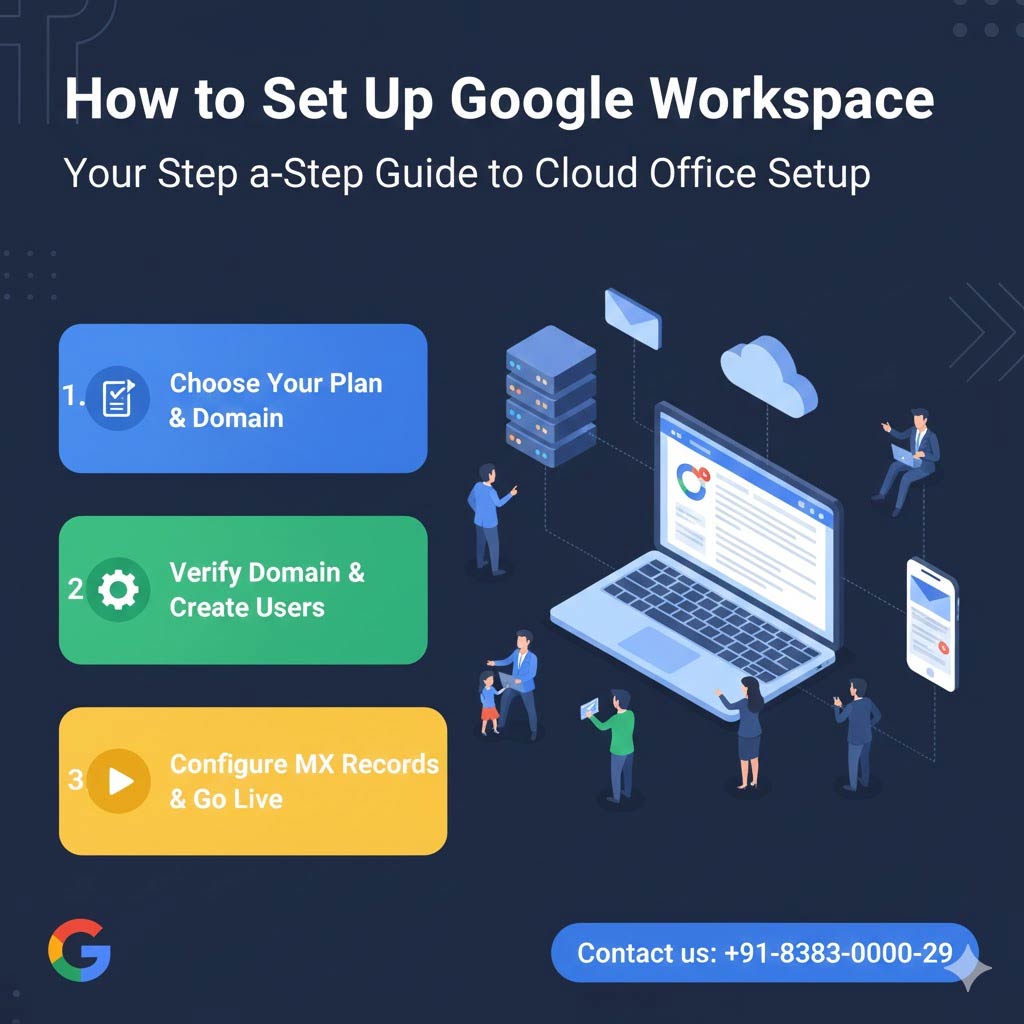 Phase 1: Registration and Account Creation
Before you touch any technical settings, you need to establish your account foundation.
-
Visit Google Workspace: Go to the Google Workspace sign-up page.
-
Enter Business Details: Provide your company name, the number of employees (you can change this later), and your country.
-
Choose Your Domain: * I have a domain: Enter your current domain (e.g.,
yourbrand.com).-
I need a domain: Google will let you search for and purchase a new one directly.
-
-
Create Your Admin User: This is your "Super Admin" account (e.g.,
admin@yourbrand.com). Save these credentials securely.
Phase 2: Domain Verification (The "Proof of Ownership" Step)
Google needs to verify that you actually own the domain you just entered. This is done through your Domain Registrar (like GoDaddy, Hostinger, or Namecheap).
-
Access the Admin Console: Log in at admin.google.com.
-
The TXT Record Method: Google will provide a unique string of text (e.g.,
google-site-verification=abc123...). -
Add to DNS: Log into your domain registrar, find the DNS Management section, and add a new TXT record. Paste the Google code into the "Value" field.
-
Verify: Go back to the Google Admin console and click Verify Domain.
Phase 3: Activating Gmail (Configuring MX Records)
This is the most critical step. Without it, you can log into Gmail, but you won't receive any emails. You must tell the internet to send mail to Google’s servers.
The New Simplified MX Record (How Do I Set Up Google Workspace?)
Google has simplified the "Mail Exchange" setup. Instead of 5 different records, most users now only need one:
| Type | Host/Name | Value/Destination | Priority |
| MX | @ or leave blank |
smtp.google.com |
1 |
-
Delete Old Records: Remove any existing MX records from your previous email provider (like cPanel or Zoho).
-
Add the New Record: Insert the
smtp.google.comrecord as shown above. -
Finalize in Admin Console: Click "Activate Gmail" in the Google Admin Console.
Phase 4: Adding Team Members and Security
Now that the "pipes" are connected, it's time to set up your team.
-
Create Users: In the Admin Console, go to Directory > Users to add team members.
-
Set Up Groups: Create aliases like
info@yourbrand.comorsupport@yourbrand.comusing Groups. -
Enable 2-Step Verification (2SV): Crucial. Protect your business data by requiring a phone or app code for all logins.
Set Up via namaSTu.com? A Complete Developer's Guide
While the steps above are standard, many businesses run into "DNS propagation" delays or migration headaches when moving years-old emails. Partnering with namaSTu.com gives you:
-
Zero-Data-Loss Migration: We move your old emails, calendars, and contacts for you.
-
Advanced Security Setup: We don’t just "set it up"—we harden your security using SPF, DKIM, and DMARC records to prevent spoofing.
-
Local Support: Skip the automated bots. Get 24/7 human support for any technical glitches.
FAQ's on How Do I Set Up Google Workspace?
How long does setup take? The initial registration takes 10 minutes. Domain verification and MX record propagation can take anywhere from 1 to 48 hours, though it’s usually active within an hour in 2025. Can I keep my old emails? Yes. You can use Google’s data migration service or let the experts at namaSTu.com handle the transfer for a seamless transition. Do I need an IT degree to do this? No, but you do need access to your domain's DNS settings. If that sounds intimidating, we can handle the entire technical process for you.Professional Journey With Google Workspace Via namaSTu.com?
Don't let technical setup stand in the way of your growth. Let the experts handle the heavy lifting while you focus on your business.