




In 2026, the question is no longer “Which apps do I need?” but “Which AI ecosystem do I trust?” As businesses move past basic cloud storage, the rivalry between Google Workspace vs Microsoft 365 has evolved into a sophisticated battle of AI agents and deep-layered security.
Whether you are a startup choosing your first suite or an enterprise considering a massive migration, this 2026 guide breaks down the high-stakes face-off between Gemini and Copilot.
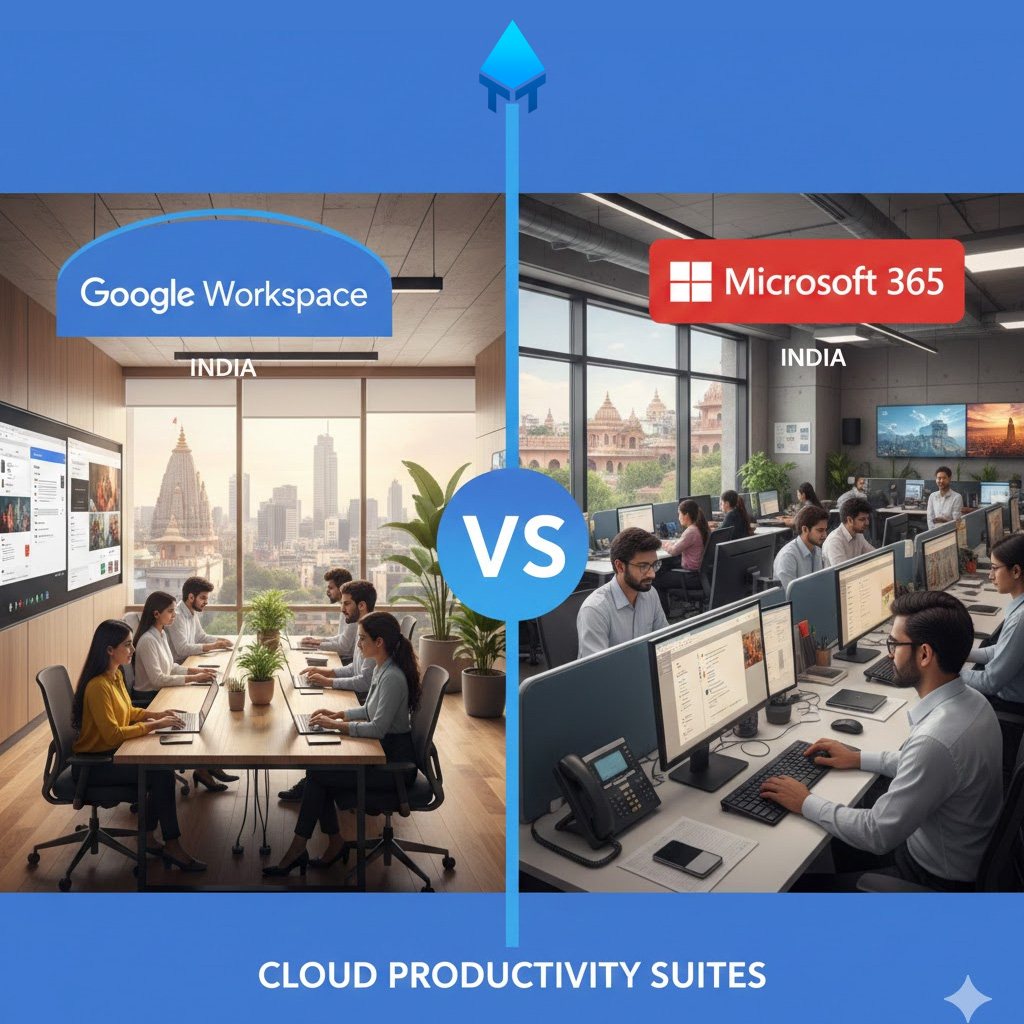
Google Workspace vs Microsoft 365
1. The AI Showdown: Gemini vs. Copilot
By 2026, AI will no longer be a “side panel” feature; it will be the engine of productivity.
Google Workspace (Gemini)
Google has positioned Gemini as a native, multimodal collaborator. With the 2026 updates, Gemini doesn’t just write emails; it acts as a “resident researcher” across your entire Drive.
-
Multimodal Advantage: Gemini 2.5 Pro can process up to 2 million tokens, allowing it to analyze massive datasets or hours of video meetings in seconds.
-
Gemini Live: The mobile experience allows users to “share” their camera or screen for real-time AI assistance during field work or live presentations.
-
Zero-Latency Collaboration: AI-powered “Smart Fill” and “Smart Cleanup” in Sheets have turned complex data entry into a background task.
Microsoft 365 (Copilot)
Microsoft’s Copilot remains the powerhouse for “Sidekick” productivity, deeply integrated into the Windows 11/12 kernel and the Microsoft Graph.
-
Cross-App Intelligence: Copilot excels at pulling data from an Excel chart, summarizing it in a Word report, and then drafting a PowerPoint deck based on that report—all in one prompt.
-
Teams Integration: Copilot in Teams is arguably the strongest meeting tool in 2026, providing real-time sentiment analysis and “what did I miss?” recaps that are 4x faster than manual note-taking.
| Feature | Google Gemini (2026) | Microsoft Copilot (2026) |
| Primary Strength | Creative brainstorming & deep research | Technical data analysis & cross-app automation |
| Model | Gemini 2.5 Pro (Native) | GPT-4o / GPT-5 (via OpenAI partnership) |
| Sweet Spot | Cloud-native, mobile-first teams | Desktop-heavy, “Power User” environments |
2. Security & Compliance: Google Workspace vs Microsoft 365
In an era of AI-driven phishing, security is the ultimate differentiator.
The Microsoft “Fortress” Approach
Microsoft 365 continues to lead in granular control. With Microsoft Purview and Defender for Business, IT admins have surgical control over data.
-
Conditional Access: 2026 features include biometric-only entry for high-risk files and automated “identity protection” that blocks logins based on AI-detected behavioral anomalies.
-
Data Sovereignty: Microsoft remains the preferred choice for government and highly regulated sectors (Finance, Healthcare) due to its strict “no-scan” policy for AI training.
The Google “Invisible” Security
Google focuses on AI-driven threat prevention that works in the background without needing a dedicated IT team.
-
Zero-Trust by Default: Google’s “BeyondCorp” model ensures that every access request is verified, regardless of where the user is located.
-
AI Phishing Defense: Google’s AI models now block 99.9% of phishing and malware, often identifying “deepfake” email patterns before they reach the inbox.
3. Pricing & Value- 2026 Realities: Google Workspace vs Microsoft 365
Pricing has stayed relatively stable, but the “AI Tax” is the new variable.
-
Google Workspace: Ranges from INR 99 (Starter) to INR 1300 (Plus) per user/month. Gemini is typically a $20–$30 add-on, though many “AI-light” features are now bundled into the higher tiers.
-
Microsoft 365: Business plans range from INR 150 (Basic) to INR 1800 (Premium). Copilot Pro for Microsoft 365 is priced at a flat $30 per user/month.
Key Takeaway: Google Workspace offers more pooled storage (up to 5TB on Business Plus), while Microsoft provides a consistent 1TB per user but includes more specialized apps like Access and Publisher.
4. Storage and Security (The “Admin” Section)
-
Security: Discuss Zero Trust models and 2-step verification.
-
Storage: Compare Business Starter vs. Standard vs. Plus storage limits.
-
Compliance: Mention HIPAA, GDPR, and SOC 2/3 compliance (essential for legal and medical clients).
5. Choose Google Workspace vs Microsoft 365?
Choose Google Workspace if:
-
You are a remote-first or digital-native team.
-
You prioritise real-time collaboration over complex formatting.
-
You need a simple, intuitive UI with minimal IT overhead.
Choose Microsoft 365 if:
-
You are an enterprise with strict regulatory requirements.
-
Your team relies on complex Excel macros or advanced desktop publishing.
-
You want the most powerful AI integration between your OS (Windows) and your apps.