




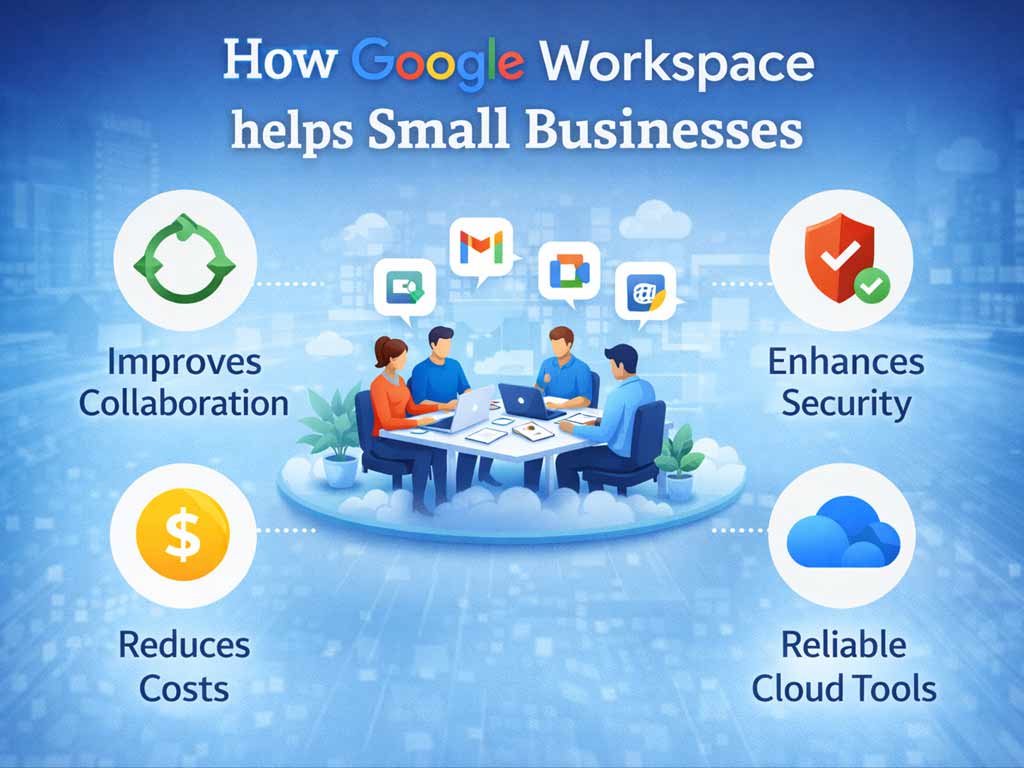
Here is how Google Workspace helps businesses level the playing field and project an enterprise-ready image. For a small business, perception is reality. You might offer a superior product or better service than your corporate competitors, but if your digital presence feels “amateur,” you lose trust before you even make your pitch.
The gap between a garage startup and an established enterprise used to be millions of dollars in IT infrastructure. Today, that gap has been bridged by cloud ecosystems like Google Workspace.
It allows a team of two to operate—and look—like a team of two thousand. Here is how Google Workspace levels the playing field and helps small businesses project an enterprise-ready image.
Steps: How Google Workspace Helps Businesses.
1. The “Big Business” Identity: Custom Email
Nothing screams “small scale” louder than an email address ending in @gmail.com or @outlook.com. It suggests that your business is a side hobby rather than a professional entity.
Google Workspace allows you to use Gmail—the interface you already know—but with your own domain (e.g., info@yourcompany.com).
-
Why it looks Enterprise: It signals permanence and brand ownership.
-
The Alias Advantage: You can create aliases like
support@,billing@, ormedia@that all routes to your main inbox. This makes your organisation appear to have dedicated departments, even if you are the one answering all the emails.
2. Professional-Grade Virtual Meetings
In the remote work era, your “conference room” is your video call window. Enterprise clients expect high-quality, reliable connections.
Google Meet (included in Workspace) offers features that elevate your client calls:
-
No Time Limits: Unlike free versions of Zoom or Meet which may cut off after 40-60 minutes, Workspace allows for long, uninterrupted strategy sessions.
-
Professional Polish: Features like noise cancellation (blocking out dog barks or traffic) and background blur keep the focus on you, not your home office environment.
-
Recordings: The ability to record a meeting and instantly save it to Drive for the client to review later is a hallmark of high-level professional service.
3. Seamless Collaboration and Speed
Enterprises move fast because they have systems in place. Small businesses often struggle with file versions
Google Workspace’s “live” collaboration (in Docs, Sheets, and Slides) changes the dynamic:
-
Client Confidence: When you send a Google Doc link instead of an attachment, you can update the proposal after you send the email but before the client opens it. This agility is a superpower.
-
Shared Drives: Instead of scattering files across personal desktops, Shared Drives act like a corporate file server. If a team member is sick, the rest of the team still has access to the client’s files. This reliability is crucial for enterprise readiness.
4. Enterprise-Level Security (on a Startup Budget)
Big corporations have entire departments dedicated to data security. With Google Workspace, you essentially “outsource” this to Google.
-
Trust: Clients—especially larger B2B ones—will often ask about your data security before signing a contract.
-
Control: The Admin Console allows you to manage devices. If an employee loses their work phone, you can remotely wipe the company data without touching their personal photos. Being able to say, “Yes, our data is encrypted and managed via Mobile Device Management (MDM),” is a major credibility booster.
5. The AI Edge: Gemini Integration
In 2026, being “enterprise-ready” also means being AI-enabled. Google Workspace integrates Gemini, Google’s advanced AI.
-
Instant Professionalism: Gemini can help you rewrite a hasty email to sound more polished and diplomatic in seconds.
-
Data Analysis: It can analyze a spreadsheet and create a summary chart instantly, allowing you to present data-driven insights to clients that usually require a data analyst.
Comparison: The Perception Shift: How Google Workspace Helps Businesses
| Touchpoint | The “Small Player” Look | The “Enterprise-Ready” Look (Workspace) |
dave_plumbing88@gmail.com |
dave@metroplumbing.com |
|
| Scheduling | “When are you free? Let’s email back and forth.” | Sending a Google Calendar invite with a Meet link attached. |
| File Sharing | Emailing zip files and attachments. | Secure Google Drive links with expiration dates. |
| Availability | “I’ll check my computer when I get home.” | Accessing any file instantly from a mobile device. |
Conclusion: How Google Workspace Helps Businesses
Being “enterprise-ready” isn’t about the size of your staff; it’s about the reliability of your systems.
Google Workspace gives small businesses the infrastructure to handle sensitive data, communicate clearly, and collaborate efficiently. It removes the technological friction, allowing your expertise to shine. When your tools work as professionally as you do, clients stop looking at your size and start looking at your value.