




Is Google Workspace Beneficial? (Spoiler: YES!)
If you run a business, moving beyond free tools is essential. Google Workspace is designed for professional growth. It is far more beneficial than sticking with a personal Gmail account.
Here is a quick look at why it’s a smart investment for your business.
Google Workspace Benefits
Deciding whether to pay for a service you’ve used for free for years can be a tough call. Is the jump from "@gmail.com" to a custom business domain really worth the monthly fee? In 2026, the answer isn't just about a professional look—it's about the massive AI and security upgrades that now come standard.
The Highlights:
-
The Professional Edge: Why a custom domain (you@yourbrand.com) is the fastest way to build instant trust with clients.
-
Gemini AI for Everyone: How the 2025 integration of Gemini AI directly into Docs, Gmail, and Sheets changes the value proposition for small teams.
-
Security & Ownership: The critical difference between "owning" your data and letting employees use personal accounts.
-
Storage & Scale: Why 30GB to 5TB of pooled storage (and 24/7 support) is the safety net every growing business needs.
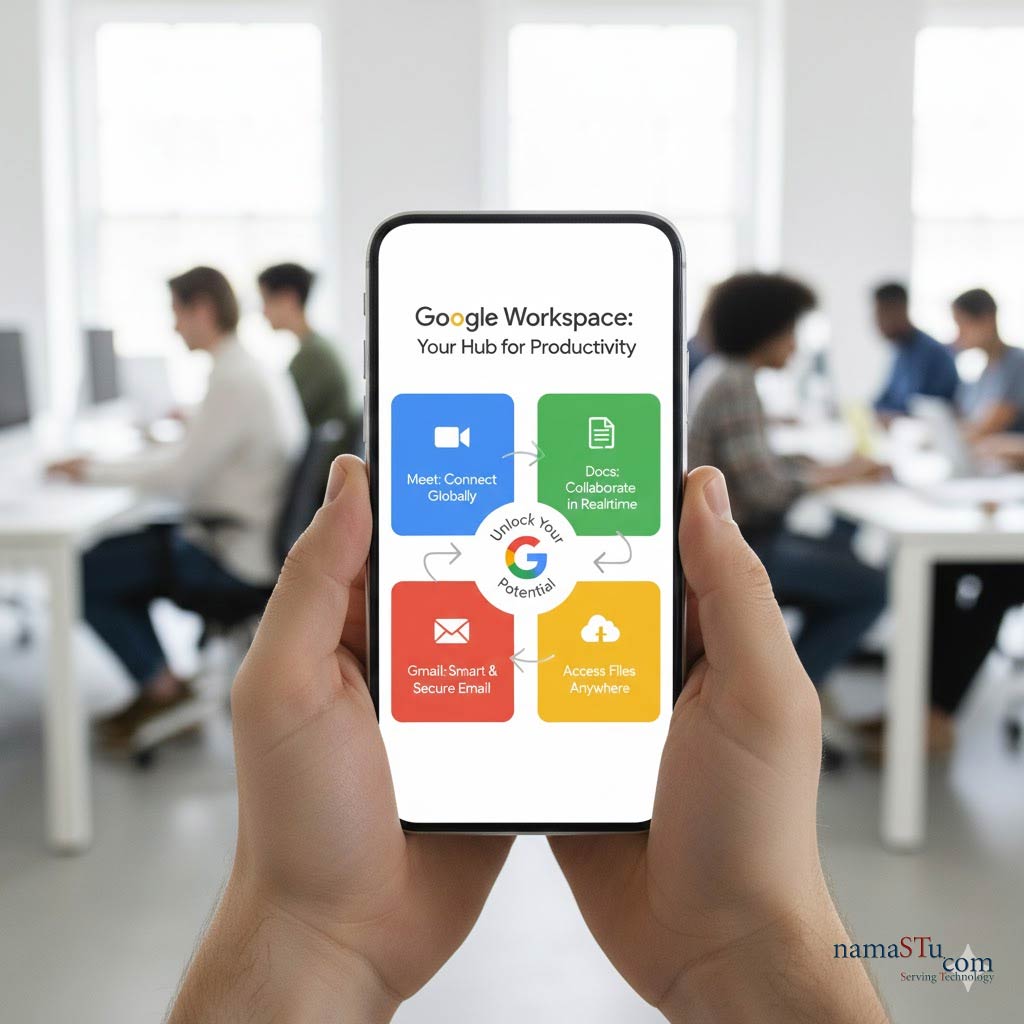
The Big of Google Workspace Benefits: Why It's Worth the Price
Google Workspace solves critical business problems.
- Professional Email: You get an email address with your company's domain (e.g., yourname@yourcompany.com). This instantly builds trust and brand credibility.
- Seamless Collaboration: Tools like Docs, Sheets, and Slides allow real-time co-editing. No more confusing file versions! Teams work together much faster.
- Centralised Control (Admin): Your business owns all the data and accounts. If an employee leaves, your administrator can secure the files. This protects sensitive information.
- Enhanced Security: You get advanced protection against phishing and malware. Features like 2-Step Verification and data loss prevention (DLP) are vital for data safety.
- AI Power (Gemini): AI is built right into the apps. It helps draft emails or summarise long documents in seconds. This greatly boosts daily productivity.
- Reliable Uptime: Google offers a 99.9% uptime guarantee. This means your essential tools are almost always working when you need them.
Minor Drawbacks (The Cons)
No product is 100% perfect. Here are a couple of small things to consider:
- Offline Work: Google Workspace is cloud-first. While offline work is possible, it requires some initial setup. It is not as simple as using desktop-only software.
- Power User Features: The web-based apps (Docs, Sheets) are fantastic. However, power users in complex data analysis might find Microsoft Excel or Word desktop apps slightly more advanced.
Workspace vs. Free Gmail: The Key Difference
The main reason to upgrade is control and professionalism.
| Feature | Google Workspace (Paid) | Free Personal Gmail |
| Email Address | Custom Domain (@yourcompany.com) | Standard (@gmail.com) |
| Data Ownership | The company owns the data and account. | The individual user owns the data. |
| Admin Control | Full centralised control over users. | No centralised user management. |
| Storage | Starts at 30 GB and scales to 5 TB+. | Limited to 15 GB (shared). |
| Support | 24/7 phone, chat, and email support. | Community forums only. |
The Verdict
Google Workspace is highly beneficial for almost every business size. The cost is a small investment compared to the massive gains in:
- Professionalism
- Team Efficiency
- Data Security
If you are serious about growing your company, Google Workspace provides the professional foundation you need.
Would you like to start a 14-day free trial of a Google Workspace Business plan? Lets Connect with namaSTu.com for Technical Support.