




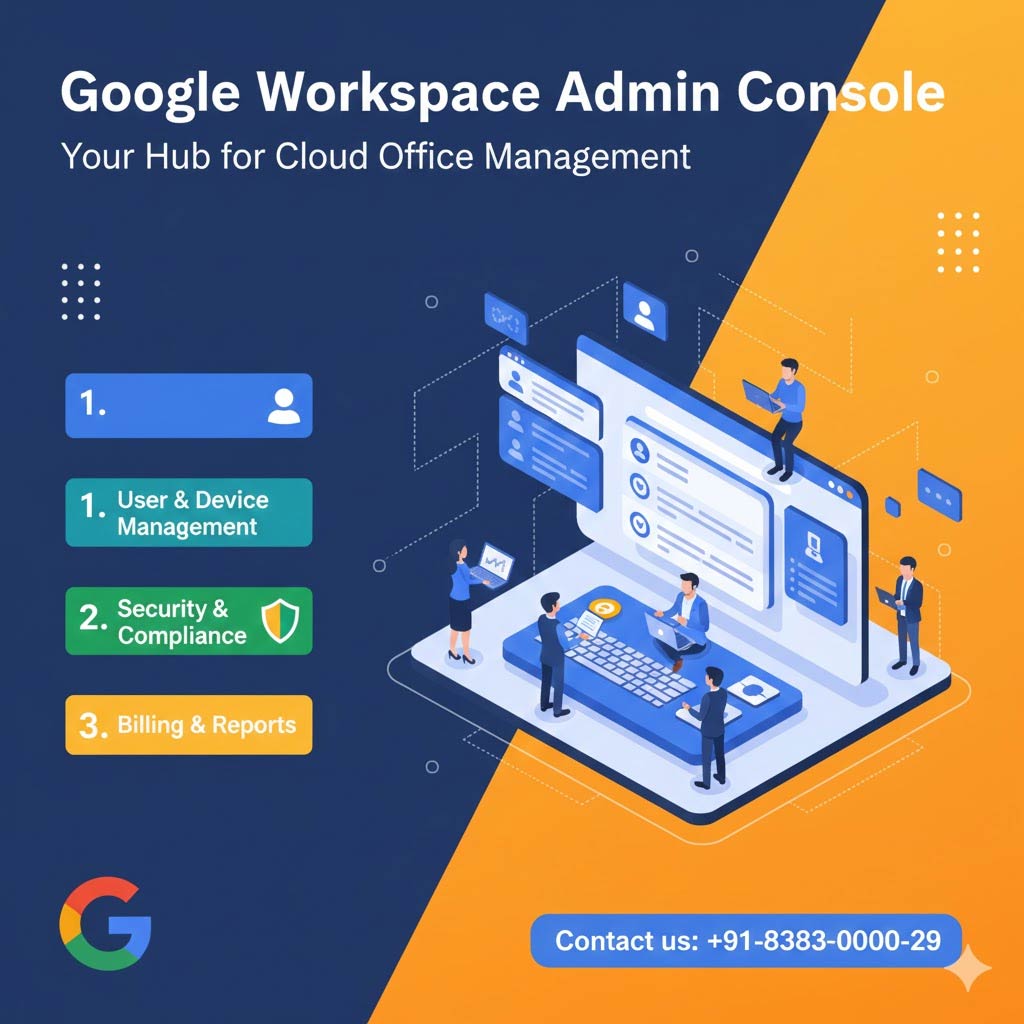
Google Workspace Admin Console Guide: A Technical Guide
The Google Workspace Admin Console is the engine room of your organization's digital workflow. In 2025, it has evolved from a simple user management tool into a sophisticated, AI-driven command centre. Whether you're a startup founder or a seasoned IT professional, mastering this console is key to maintaining security, productivity, and control.
At namaSTu.com, we help businesses navigate the complexities of cloud management. This guide breaks down the essential pillars of the Admin Console so you can lead your team with confidence.
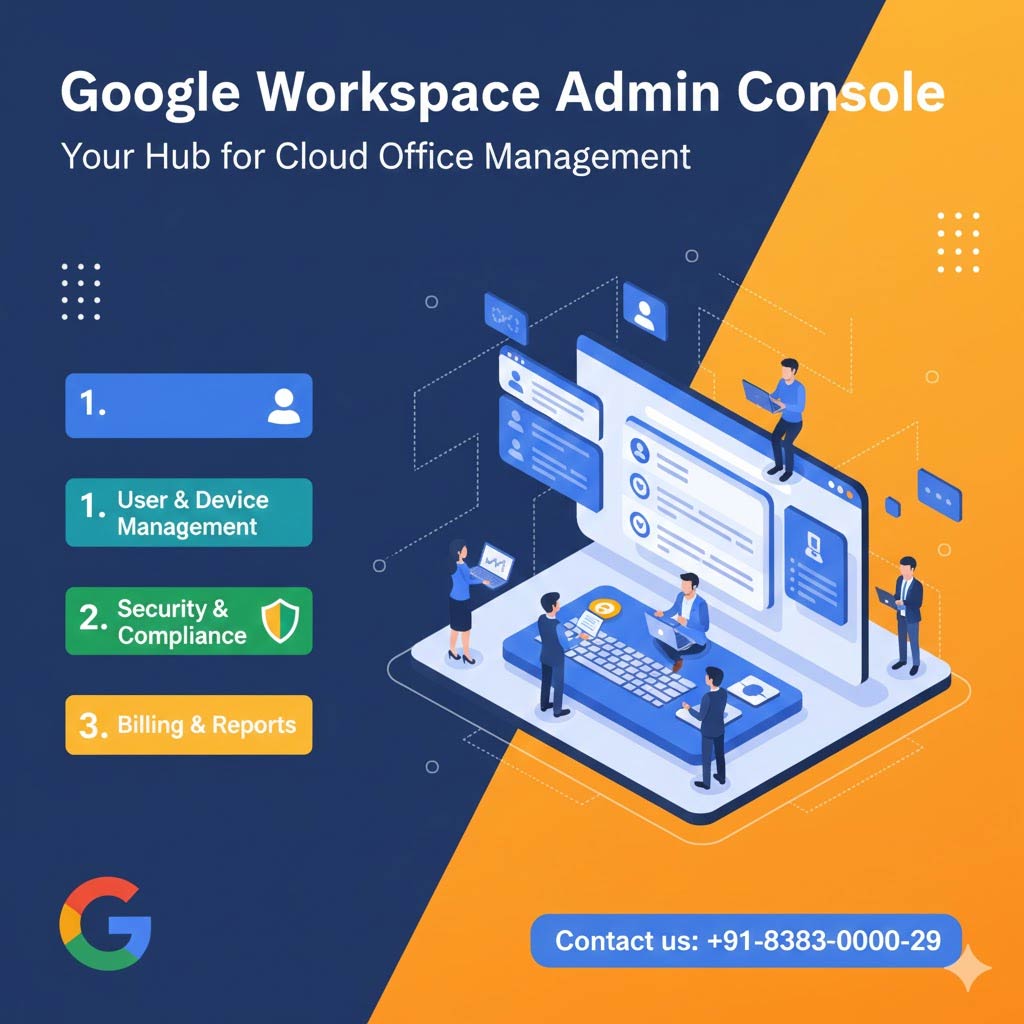 1. The Dashboard: Google Workspace Admin Console Guide
When you log in to admin.google.com, you’re greeted by a customizable dashboard. In 2025, Google has prioritized AI-powered insights.
-
Security Health: Real-time alerts on suspicious logins or data leaks.
-
Usage Trends: See how much your team is using Gemini AI or Google Meet.
-
Quick Links: Fast access to the most common tasks: adding users and resetting passwords.
2. User & Group Management- Google Workspace Admin Console Guide
The Directory section is where you manage your human capital.
-
Add/Remove Users: Easily provision new seats or offboard departing employees.
-
Organizational Units (OUs): Group users by department (e.g., Marketing, Sales) to apply different security policies or app access.
-
Google Groups: Create shared mailing lists (e.g.,
support@yourbrand.com) and manage who can post or view conversations.
3. Advanced Security & Identity
Security is no longer a "set and forget" feature. For 2025, the Admin Console offers robust "Zero Trust" capabilities:
-
2-Step Verification (2SV): Enforce MFA organization-wide. We recommend using Passkeys or Authenticator apps over SMS.
-
Context-Aware Access: Set rules that allow access to company data only from approved locations or encrypted devices.
-
Data Loss Prevention (DLP): Automatically scan emails and Drive files for sensitive info like credit card numbers to prevent accidental leaks.
4. App Control & Gemini AI Settings
This is where you decide which "engines" run in your workspace.
-
Service Status: Turn apps like Chat, Meet, or YouTube on or off for specific departments.
-
Gemini AI Management: New for 2025! Admins can now control how AI interacts with company data. You can enable Deep Research for your strategy team while keeping it restricted for interns.
-
Marketplace Apps: Manage third-party integrations like Slack, Asana, or Salesforce.
5. Reports & Audit Logs
Knowledge is power. The Reports section allows you to dive deep into your organization's behavior:
-
Audit Logs: Track exactly who accessed which file and when.
-
Security Investigation Tool: A powerful feature (available in higher tiers) to identify and remediate security threats in a few clicks.
-
Carbon Footprint: Track the environmental impact of your company's cloud usage.
Admin Best Practices Checklist
| Task | Frequency | Why it matters |
| Review Admin Roles | Quarterly | Ensure only 2-3 people have "Super Admin" access. |
| Audit Sharing Settings | Monthly | Check if "Anyone with the link" sharing is being overused. |
| Check License Usage | Monthly | Don't pay for seats that aren't being used. |
| Gemini Usage Report | Weekly | See how AI is boosting (or hindering) your team's output. |
Why Partner with namaSTu.com?
Managing the Admin Console can be a full-time job. As your authorized Google Workspace partner, namaSTu.com provides:
-
Console Hardening: We perform a 50-point security check to ensure your settings are airtight.
-
Custom Training: We teach your HR and IT teams how to use the most important features.
-
Ongoing Support: When Google releases a new feature, we’re the first to tell you how it impacts your business.