




Before touching any migration tool, you must configure the destination (Google Workspace) to accept data without rejecting it as “spam” or “unverified.” This technical blog explains CPanel to Google Workspace Migration & ZOHO to Google Workspace Migration.
-
Lower DNS TTL: 48 hours before migration, log into your DNS provider (GoDaddy/Cloudflare) and set the TTL (Time To Live) for your MX Records to 300 seconds (5 minutes). This allows you to switch mail flow instantly later.
-
Create “Catch-all” Routing: In Google Admin Console, set up a “Catch-all” address temporarily. If a user migration fails or a spelling error occurs during account creation, valid business emails won’t bounce.
-
Provision Users First: You cannot migrate data to an account that doesn’t exist.
-
Pro Tip: Use a CSV Bulk Upload in Google Admin. Ensure the
Passwordcolumn is set.
-
-
The “Less Secure Apps” Hurdle: For cPanel/Zoho, Google has disabled “Less Secure Apps.” You must enable “Allow per-user outbound gateways” or use Service Account authentication (detailed below) to avoid
Authentication Failederrors.
Migration from CPanel to Google Workspace
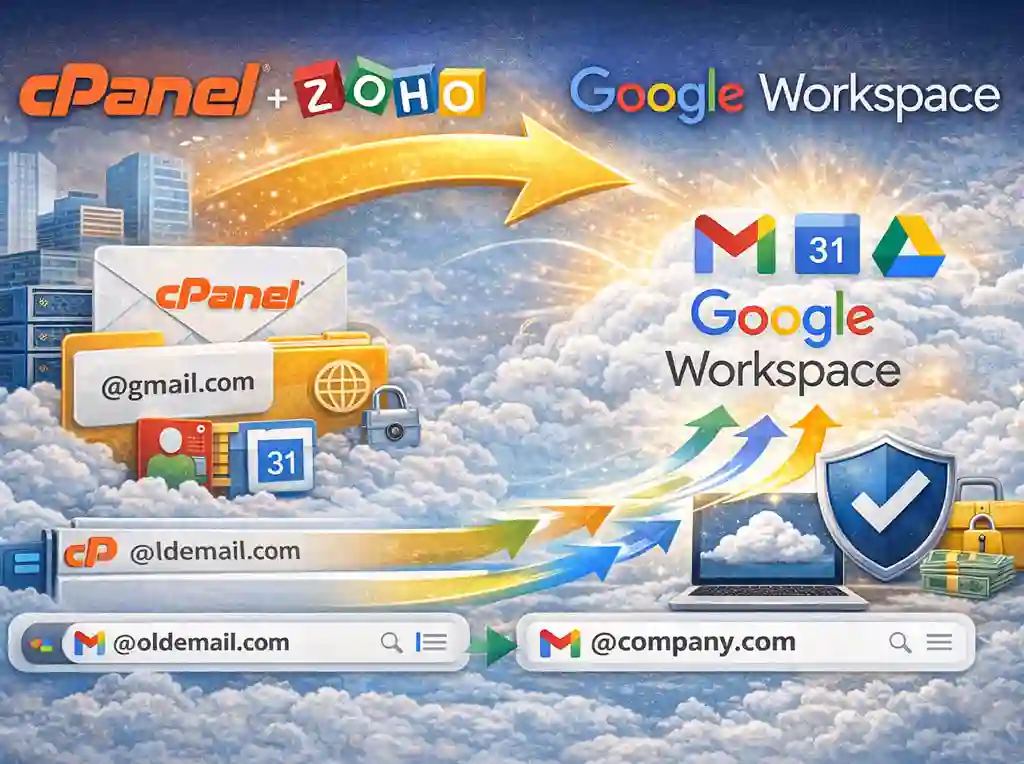
A: Migrating from cPanel (Roundcube/Horde/Exim)
The Challenge: cPanel uses standard IMAP but often has non-standard folder names (e.g., INBOX.Sent vs [Gmail]/Sent Mail).
The “Pro” Method: Google Data Migration Service (DMS) with Folder Mapping
-
Source Preparation: Google Admin Setup: For CPanel to Google Workspace Migration
-
Log into cPanel > Email Accounts.
-
Crucial: You must know the password for every email account. If you don’t, you must force-reset them. cPanel does not offer a “Super Admin” password that accesses all mailboxes via IMAP.
-
-
Google Admin Setup:CPanel to Google Workspace Migration
-
Go to Data > Data Import & Export > Data Migration.
-
Select source: “Other IMAP Server”.
-
Connection Protocol: select
IMAP. -
Server Address: Use your hostname (e.g.,
mail.namastu.comorcp-in-12.webhostbox.net). Do not use just ‘namastu.com’ as it might route through Cloudflare proxy which blocks IMAP.
-
-
The Secret Sauce (Folder Mapping):
-
Google tries to auto-detect, but cPanel often fails here.
-
Exclude Folders: explicitly exclude
Trash,Junk, andSpamto save API bandwidth.
-
-
Execution:
-
Upload a CSV file with two columns:
Source Email,Google Workspace Email,Source Password. -
Start migration.
-
Technical Warning: If you have mailboxes >20GB, DMS often timeouts.
Alternative Tool: Use
imapsync(Linux CLI tool). It is more robust for huge mailboxes.Command:
imapsync --host1 mail.oldserver.com --user1 user@old.com --passfile1 pass1 --host2 imap.gmail.com --user2 user@new.com --passfile2 pass2 --sslargs2 "SSL_verify_mode=0"
Migrating from Zoho Mail to Google Workspace
The Challenge: Zoho has strict rate limiting and forces “App-Specific Passwords” for IMAP access.
The Process:
-
Generate App Passwords (Mandatory):
-
You cannot use the user’s main Zoho password.
-
User must log in to Zoho > Account > Security > App Specific Passwords > Generate New.
-
Admin Tip: There is no bulk export for this. You must ask users to generate this and give it to you, OR reset their accounts.
-
-
IMAP Endpoints:
-
Use the correct endpoint based on your Zoho datacenter:
-
Global:
imap.zoho.com(Port 993) -
India:
imap.zoho.in(Port 993) <– Critical for Indian accounts
-
-
-
Google DMS Configuration:
-
Source: Other IMAP Server.
-
Enter
imap.zoho.in. -
Smart Feature: Use the “Custom Date” filter. Migrate the last 1 year of data first to get users working, then run a second “Delta” pass for older emails.
-
The above post is the step-by-step process to migrate from Zoho to Google Workspace.