




Choosing an office suite for your business is like picking a car: both will get you from A to B, but the journey, the features, and even the “feel” can be vastly different. While the IT department might debate server architecture, for the actual person sending emails, crafting documents, or joining a meeting, the question boils down to: Which one makes my workday easier and more productive? Zoho vs Google is a full comparison to help users choose.
Let’s put Google Workspace and Zoho Workplace head-to-head, not from a tech spec sheet, but from the viewpoint of someone who uses these tools day in and day out.
Zoho vs Google
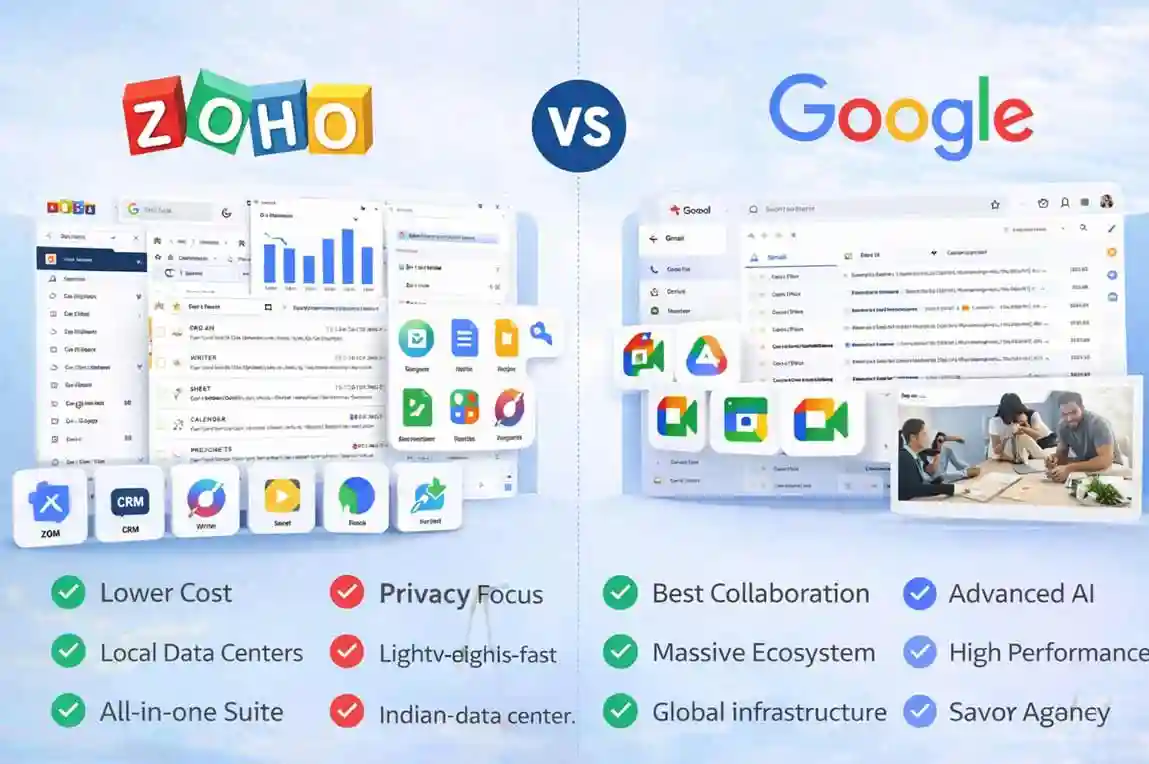
The Email Experience: Where You Live 90% of Your Day
Google Workspace (Gmail for Business)
-
What it feels like: Familiar, lightning-fast, and integrated. If you’ve ever used personal Gmail, the business version is essentially that, but with your domain name and powerful admin controls.
-
Strengths:
-
Search: Unparalleled. Finding that one email from three years ago is usually a single search query.
-
Spam Filter: Industry-leading. Google’s AI generally keeps your inbox cleaner than anyone else.
-
Integration: Gmail lives seamlessly with Google Calendar, Drive, and Meet. Drag an email to your calendar to create an event, or attach a Drive file instantly.
-
-
User Experience: If you love simplicity and speed, Gmail is hard to beat. The interface is clean, uncluttered, and focuses on getting things done quickly.
Zoho Workplace (Zoho Mail)
-
What it feels like: A feature-rich, customizable platform that’s powerful once you get the hang of it. It’s less about minimalist design and more about providing every possible option.
-
Strengths:
-
Customisation: Zoho Mail offers extensive customisation options, from theme to layout.
-
Feature Set: Built-in tasks, notes, and even a social-media-like “Streams” for team collaboration within the mail interface.
-
Deep Zoho Ecosystem: If you use Zoho CRM, Zoho Books, or other Zoho apps, the integration here is incredibly deep, often feeling more native than Google’s cross-app connections.
-
-
User Experience: Can feel a bit more “busy” initially due to the sheer number of features. It rewards users who spend time setting it up to their exact preferences.
Document & Spreadsheet Collaboration: Zoho Vs Google
Google Workspace (Docs, Sheets, Slides)
-
What it feels like: Effortless, real-time collaboration. Multiple people editing a single document simultaneously feels natural, almost magical.
-
Strengths:
-
Real-time Collaboration: Its biggest selling point. You see exactly where everyone else is typing.
-
Revision History: Track every single change, who made it, and when. Revert to any previous version with ease.
-
Accessibility: Works flawlessly across any browser, any device, with excellent mobile apps.
-
-
User Experience: The focus is on simplicity and collaboration. If you frequently co-author documents with colleagues or external partners, Google Docs is a powerhouse.
Zoho Workplace (Writer, Sheet, Show)
-
What it feels like: A more traditional word processor experience, but online, with solid collaboration features.
-
Strengths:
-
Familiar Interface: Often mimics the look and feel of desktop office suites, which can be comforting for users switching from Microsoft Office.
-
Offline Mode: Robust offline capabilities allow you to work without an internet connection and sync later.
-
Granular Permissions: Excellent control over who can do what within a document.
-
-
User Experience: Strong for individual work that also needs to be shared. Collaboration is good, but often feels a step behind Google’s seamless, simultaneous editing.
Cloud Storage: Your Digital Filing Cabinet
Google Workspace (Google Drive)
-
What it feels like: Limitless (or very large) storage that’s always available and seamlessly connected to your other Google apps.
-
Strengths:
-
Search: Finds files quickly, even within documents.
-
Integration: Saved email attachments often get prompted to be saved directly to Drive. Documents created in Docs/Sheets/Slides live here by default.
-
Sharing: Very intuitive and powerful sharing controls.
-
-
User Experience: If your workflow revolves around sharing files and having them accessible from anywhere, Drive is designed for that.
Zoho Workplace (Zoho WorkDrive)
-
What it feels like: A dedicated team drive with strong organisational tools and version control.
-
Strengths:
-
Team Folders: Excellent for structuring departmental or project-based files with clear ownership.
-
Version Control: Robust version history for all file types.
-
Storage Tiers: Often, more flexible storage options for smaller teams.
-
-
User Experience: Great for businesses that need highly structured file management and strong access control for teams.
Video Conferencing: Connecting Your Team
Google Workspace (Google Meet)
-
What it feels like: Simple, fast, and reliable. Ideal for quick internal syncs or larger client presentations.
-
Strengths:
-
Ease of Use: One click to join from a calendar invite.
-
Integration: Deeply integrated with Google Calendar.
-
Reliability: Generally very stable with good audio/video quality.
-
-
User Experience: Perfect for users who want to jump into a meeting without fuss.
Zoho Workplace (Zoho Meeting, Zoho Cliq)
-
What it feels like: A comprehensive communication hub that combines chat, video, and audio.
-
Strengths:
-
Cliq (Chat): Zoho’s Slack-like communication app is very powerful and integrates directly with Zoho Meeting.
-
Webinars: Zoho Meeting offers dedicated webinar features, which Google Meet sometimes lacks without add-ons.
-
Extensive Features: Screen sharing, remote control, and recording are standard.
-
-
User Experience: If you prefer a single platform for all team communications (chat, video, audio), Zoho’s combined approach is compelling
Zoho vs Google Comparison Table
| Feature | Google Workspace | Zoho Workplace |
| Primary Interface | Minimalist, search-driven, and “App-centric.” | Feature-heavy, customizable, and “Suite-centric.” |
| Email Power User | Gmail: Best-in-class search and spam filtering. | Zoho Mail: Built-in “Streams” (social-style chat) and multi-account views. |
| Spreadsheet Depth | Sheets: Unbeatable for real-time collaboration and Apps Script. | Zoho Sheet: Better for data cleaning tools and more built-in formula options. |
| Writing Experience | Docs: Clean, distraction-free, and perfect for simultaneous editing. | Zoho Writer: Professional “Page View” and built-in mail merge for business letters. |
| Team Communication | Google Meet/Chat: Simple, fast, integrated with Calendar. | Zoho Cliq/Meeting: Includes screen-sharing remote control and webinar features. |
| File Management | Drive: AI-driven search (it predicts what file you need). | WorkDrive: Superior “Team Folder” structures and granular versioning. |
| Ecosystem Fit | Best for startups and users already in the Google/Android world. | Best for businesses using Zoho CRM or Zoho Books. |
| Indian Business Fit | Excellent support, but strictly standard plans. | Highly flexible; allows Hybrid Hosting (some users on free/cheap, some on paid). |
The Bottom Line for You
-
Choose Google Workspace if:
-
You prioritise simplicity, speed, and industry-leading real-time collaboration.
-
Your team is already familiar with Gmail and Google Drive.
-
You need the best spam filtering and search capabilities.
-
You value seamless integration with a minimalist interface.
-
-
Choose Zoho Workplace if:
-
You need deep integration with other Zoho apps (CRM, Books, Projects, etc.).
-
You prefer a more traditional, feature-rich interface for your documents.
-
Customisation and a comprehensive communication hub are high priorities.
-
You appreciate granular control over every aspect of your workspace.
-
Ultimately, both Zoho & Google (Zoho vs Google) are powerful suites. The “best” one depends on your team’s existing habits, specific business needs, and how deeply you’re already invested in either ecosystem.