




A Complete Google Workspace Admin Guide for Indian SMBs, Startups & MSME
Google Workspace has become the backbone of digital operations for Indian businesses and educational institutions.
From small businesses in Tier-2 cities to CBSE schools and coaching centres, managing users and access correctly is essential for security, productivity, and compliance.
This guide explains user creation, admin roles, and access control in Google Workspace using real Indian business examples and step-by-step instructions.
Google Workspace Admin Guide
What Is User Management in Google Workspace?
User management in Google Workspace allows administrators to control:
- Who can access official email and documents
- Which apps can employees or teachers use
- Who has admin powers and who doesn’t
- How data stays secure when staff leave
For organisations, this is especially important due to:
- High employee turnover in SMBs
- Multiple staff members using shared devices in an organisation
- Remote work and hybrid learning models
Example: How to set up users in a small business or startup -18 Users in different departments
Company Name: TARA TECHNOCRACY
Domain: namastu.com
Location: New Delhi, India
Team Size: 18 users
Departments
- Sales
- HR
- Customer Support
- Management
Step 1: How to create a New User in Google Workspace Admin Console
Example: Adding a user in the Sales department with the designation Sales Executive
Employee Name: Rahul Verma
Email ID: rahul.verma@namastu.com
Department: Sales
Steps (Admin Console)
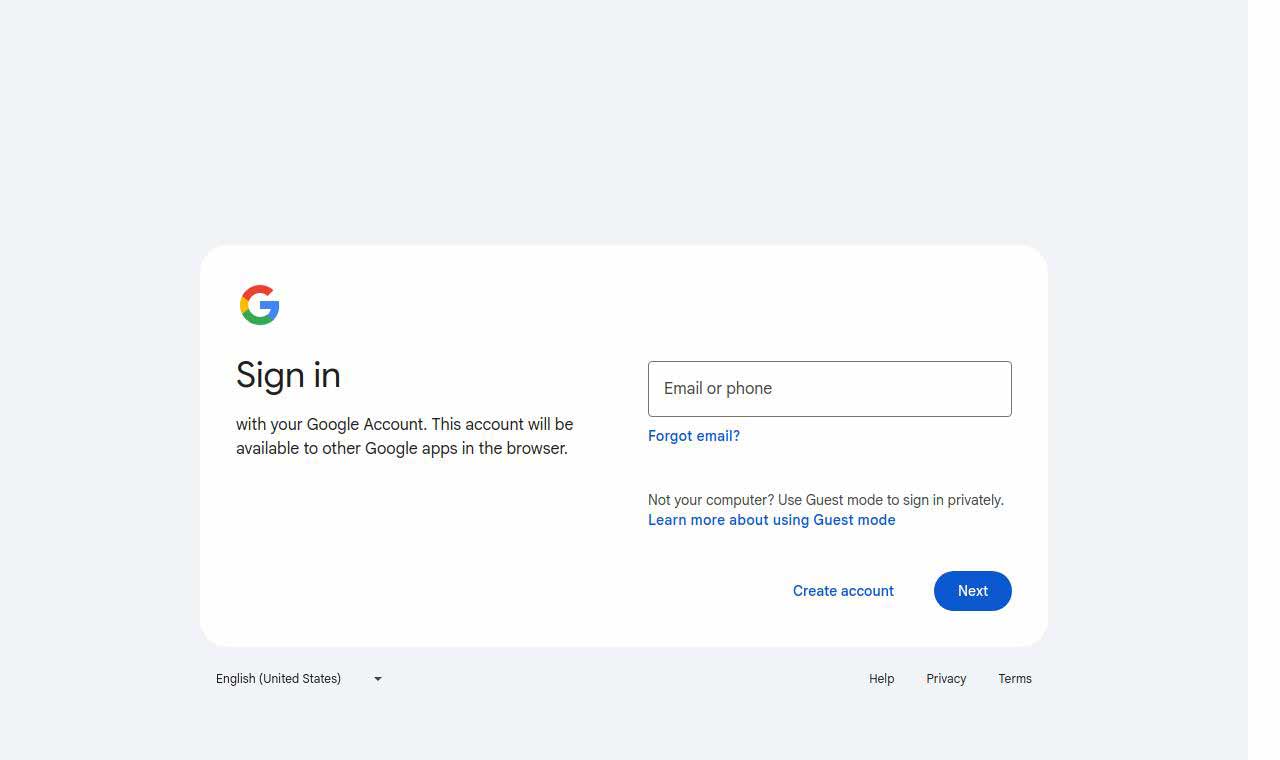
- Log in to admin.google.com
Enter username and the password by clicking next
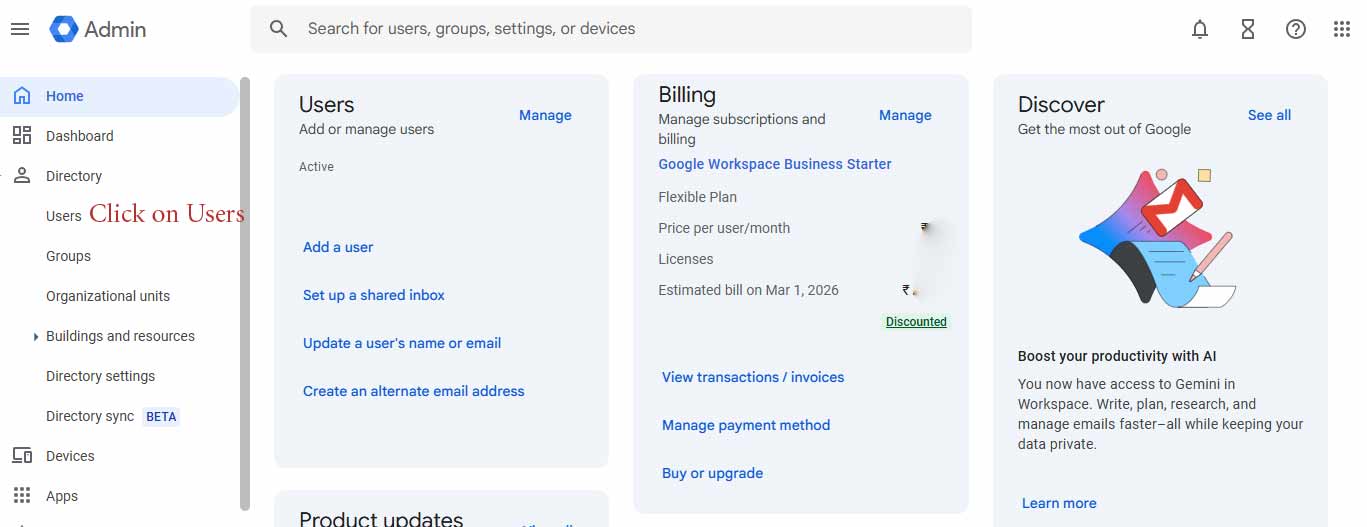
Google Admin Console - Go to Directory → Users (Click on Users)
Google Admin User Management - Click Add New User
- Enter user details: First name, Last Name, Unique email username, Mobile Number, Select Organisation, Generate Automatic password or create own & upload profile pic. The field marked star is mandatory.
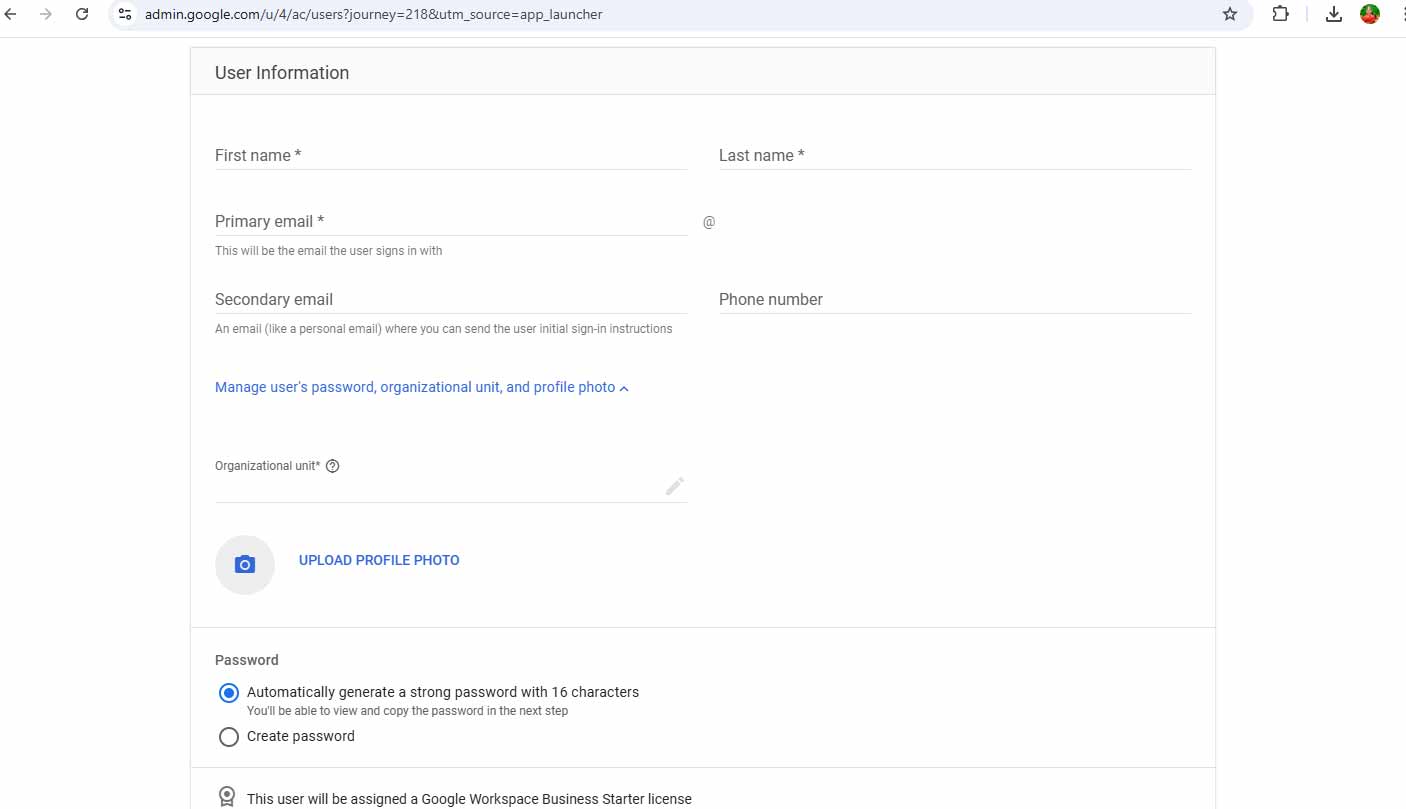
Google Admin Add New User - Select Organisational Unit: /Sales
- Click Add User
Admin for Google Workspace generates a temporary password, which can be shared via WhatsApp or SMS
(common practice in Indian offices).
Result: Rahul can now use official Gmail, Google Drive, Calendar, and Meet.
Understanding Roles in Google Workspace (RBAC)
The Google Workspace follows Role-Based Access Control (RBAC), which means users get only the access they need.
1. Super Admin
Example: admin@namastu.com
- Full control over Google Workspace
- Billing, security, domains, and users
Indian Best Practice: Keep only 1–2 Super Admins (Owner + IT Partner).
2. User Management Admin (HR Role)
Example: hr@namastu.com
- Add and remove employees
- Reset passwords
- Suspend accounts on resignation
Ideal for HR teams in Indian SMBs where onboarding happens frequently.
3. Groups Admin
Example: info@namastu.com
- Manage group emails like sales@, support@
- Add or remove team members
4. Help Desk Admin
Example: google@namastu.com
- Reset passwords
- Recover locked accounts
Perfect for IT support staff in schools and coaching institutes.
5. Custom Admin Roles (Advanced)
Example: Sales CRM Admin
Assigned to: sakerram@namastu.com
- Access to Sales Drive folders
- Google Groups (Sales only)
- No HR or Finance access
Step 3: Assigning Admin Roles
- Admin Console → Admin Roles
- Select the required role
- Click Assign User
- Enter email ID
- Save
Step 4: Organisational Units (OU) for Indian Organisations
/TARA TECHNOCRACY
a) Sales
b) HR
c) Support
d) Management
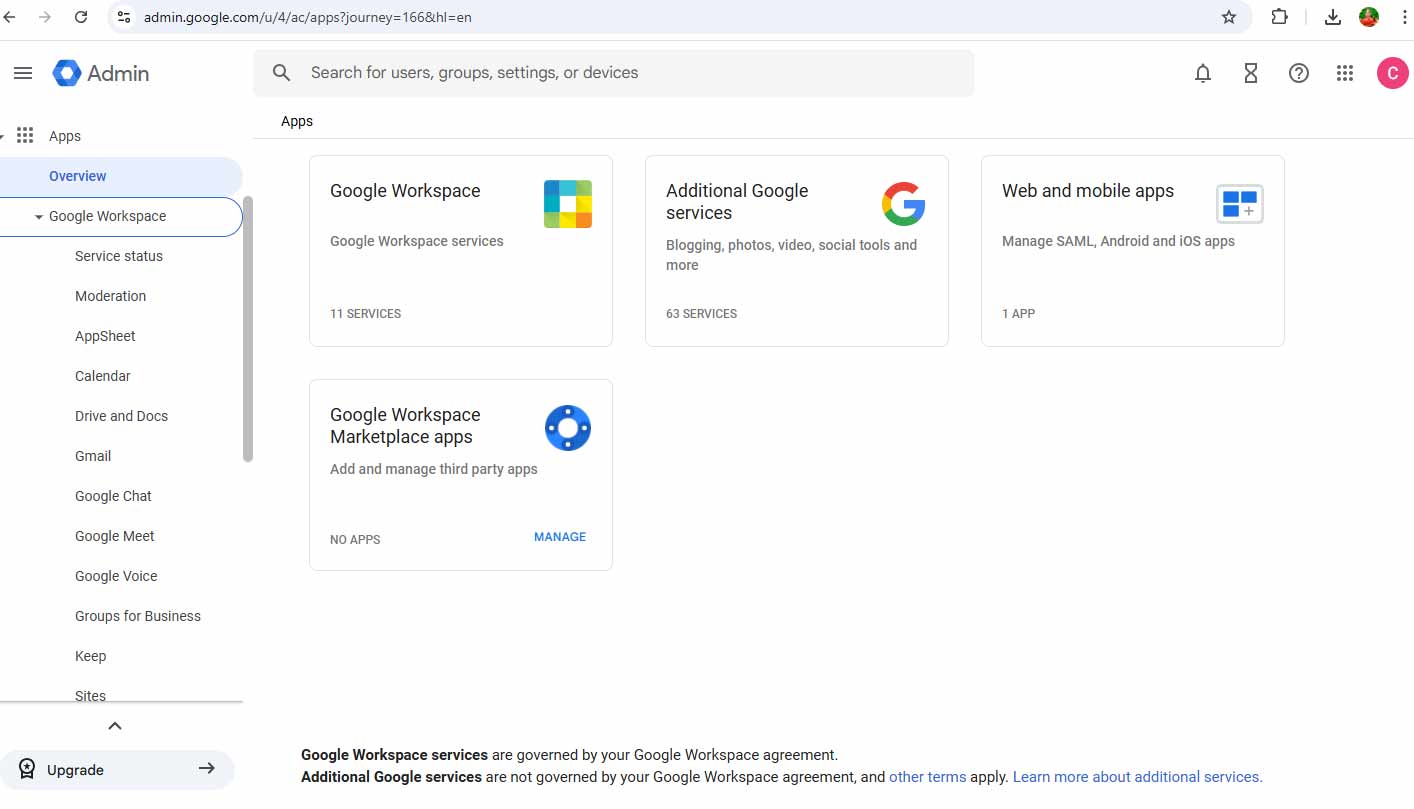
App Access Control in Google Workspace Admin Guide
| Department | Gmail | Drive | YouTube | Admin Console |
|---|---|---|---|---|
| Sales | Yes | Yes | No | No |
| HR | Yes | Yes | No | No |
| Teachers | Yes | Yes | Limited | No |
Step 5: Google Drive Access Control
Folder: Sales Proposals
- rahul.verma@namastu.com – Editor
- sales.manager@namastu.com – Owner
- HR & Support – No Access
This prevents accidental data sharing, a common issue in Indian companies.
Security Best Practices for India
- Enable 2-Step Verification (mandatory)
- Remove access immediately after exit
- Use separate admin accounts
- Audit admin roles quarterly
Common Mistakes Indian SMBs Make
- Using one shared admin login
- Giving Super Admin to everyone
- No OU structure
- Not suspending resigned employees
Why This Matters
Correct user creation and access control help Indian organisations:
- Prevent data leaks
- Improve compliance
- Scale safely
- Reduce IT dependency
Need Help?
namaSTu.com helps Indian businesses and schools with:
- Google Workspace setup
- Secure role & access design
- User migration and training
namaSTu.com is an authorised Google Workspace partner in India, specialising in business email solutions, Google Workspace migration, admin setup, and security management. The team helps startups, SMEs, schools, and enterprises adopt professional email, cloud collaboration, and secure digital workspaces. With a focus on zero-data-loss migration, compliance-ready billing, and local support, namaSTu.com enables businesses to scale efficiently using Google Workspace.
Contact us for a free Google Workspace admin audit.