




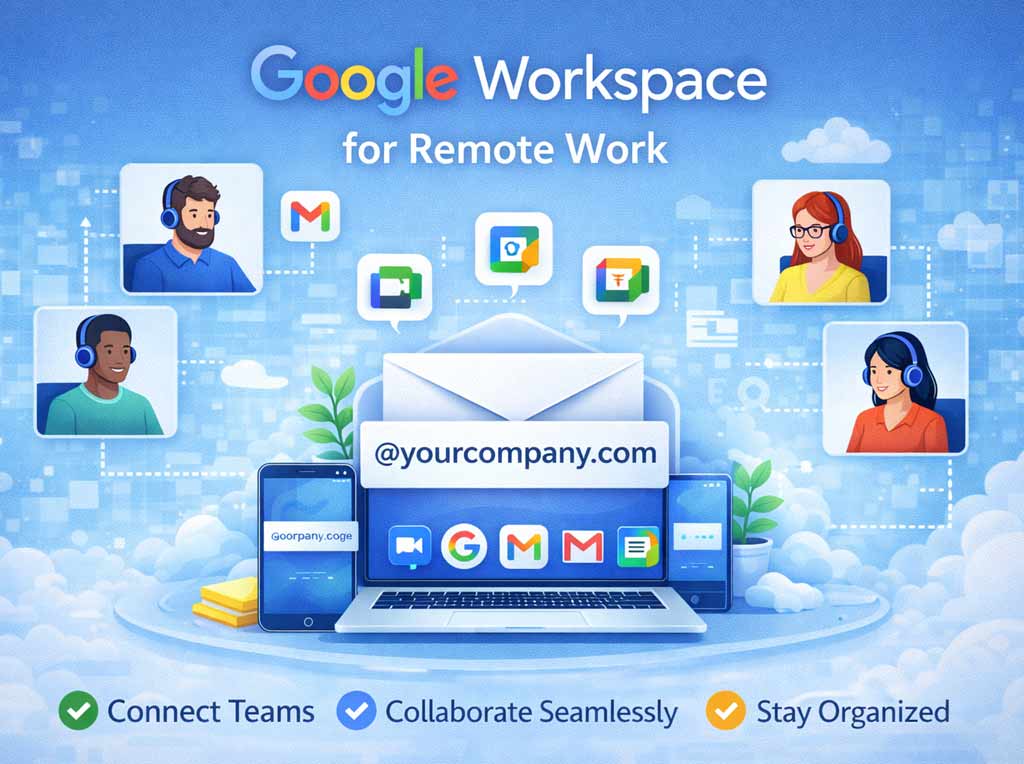
Remote work is no longer a temporary fix; for many, it is the new normal. But “working from home” shouldn’t mean “working alone.” Google Workspace for remote work solves your business problem easily.
The biggest challenge remote teams face isn’t lack of effort—it’s lack of connection. Without a physical office, teams often struggle with scattered files, endless email threads, and the feeling of being out of the loop.
Google Workspace for remote work solves this by acting as your “Virtual Headquarters.” Because it was born in the cloud, it doesn’t require complex VPNs or remote desktop software to function. It simply works, wherever you are.
Here is how Google Workspace bridges the gap between the office and the home.
1. The “Zero-Friction” Start
In a traditional setup, working remotely meant installing heavy software or dialling into a slow corporate server.
-
Browser-Based: With Google Workspace, your office is your browser. Whether you are on a high-end laptop, a tablet, or a borrowed computer at a library, you simply log in, and your entire work environment is there.
-
Offline Capability: A common fear of remote work is: “What if my internet goes down?” Google Docs and Sheets have robust offline modes. You can keep working, and the moment you reconnect, your changes sync automatically.
2. Recreating the “Shoulder Tap”
In an office, you can tap a colleague on the shoulder to ask a quick question. Remote work often kills this spontaneity.
-
Google Chat: This isn’t just for social banter. It integrates with your files. You can paste a link to a Drive file in a Chat, and the permissions automatically update so the recipient can view it.
-
Meet Integration: If a text chat gets too complicated, you can click one button to start a Google Meet video call instantly. No scheduling, no links—just an instant face-to-face resolution.
3. Collaboration Without Clutter
Remote teams often drown in email attachments. “Did you see the file I sent?” becomes the most typed phrase in the company.
-
Live Co-Editing: Multiple people can work on a document simultaneously. You can see your colleague’s cursor, allowing you to “jam” on a project together as if you were sharing a whiteboard.
-
Comments & Assigning: Instead of emailing feedback, you comment directly on the work. You can type
@Nameto assign a specific paragraph to a colleague, turning a static document into an active to-do list.
4. Digital Wellbeing and Boundaries
One of the hidden dangers of remote work is burnout. When your home is your office, it’s hard to know when the workday ends.
-
Google Calendar “Working Hours”: You can define your specific working hours in Calendar. If a colleague tries to schedule a meeting outside those hours, they get an alert that you are unavailable.
-
“Out of Office” Status: Google Chat automatically syncs with your Calendar. If you are in a meeting or out of the office, your status updates automatically so colleagues know not to expect an immediate reply.
5. Security for the “Coffee Shop” Workforce
Remote work often means working from unsecured Wi-Fi networks in cafes or airports. This terrifies IT managers.
-
Endpoint Management: Google Workspace allows admins to enforce security policies on mobile devices. If an employee loses their work phone, the admin can remotely wipe the company data without touching the user’s personal photos.
-
2-Step Verification: This standard feature blocks 99.9% of automated account attacks, ensuring that even if a password is stolen, the account remains secure.
Conclusion: The Office is a State of Mind
Google Workspace proves that an “office” isn’t a building with cubicles; it’s a shared digital space where collaboration happens.
Removing the technical barriers to remote access allows teams to focus on what matters: staying connected, staying productive, and maintaining a healthy work-life balance.