




In the traditional office, collaboration often felt like a slow-motion relay race. One person drafted a file, saved it, emailed it to a colleague, and waited. The colleague made edits, renamed the file “v2,” and emailed it back. This post is from namaSTu.com for How Business Works Smarter with Google Workspace.
This “stop-and-go” workflow is the enemy of speed.
Google Workspace changes the fundamental physics of teamwork. It replaces static files with living documents, allowing teams to work simultaneously rather than sequentially. Here is how Google Workspace breaks down digital walls and helps teams collaborate faster and smarter.
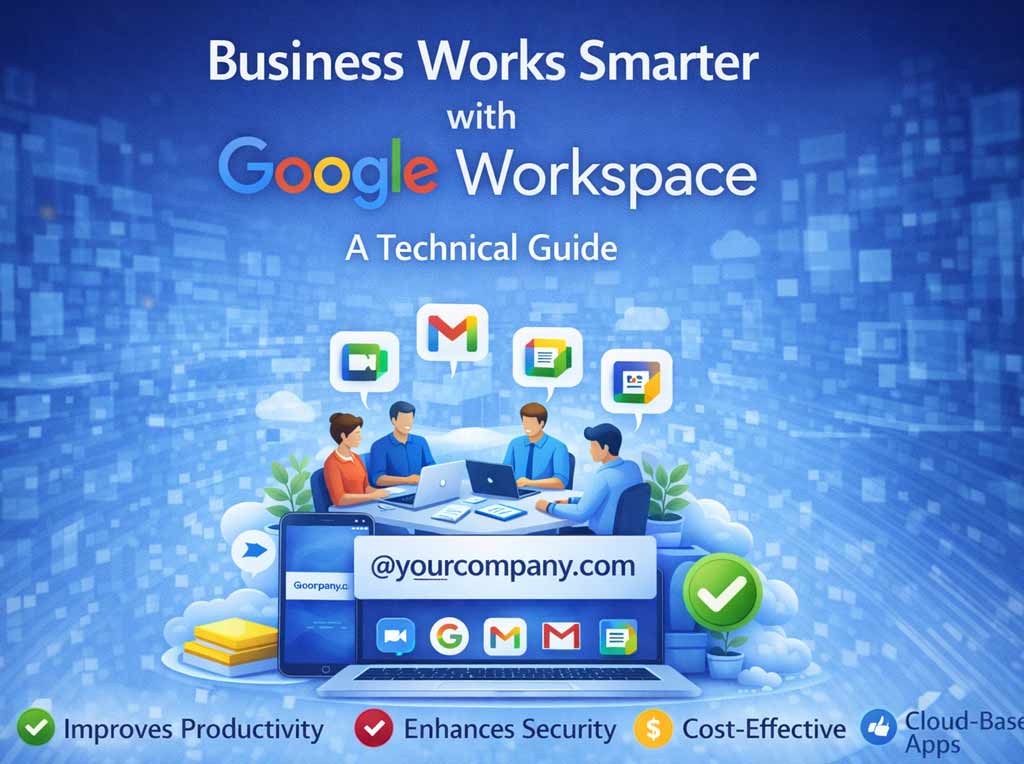
How Business Works Smarter with Google Workspace
1. Real-Time Co-Authoring: The “Live” Advantage
The core of Google Workspace is the ability for multiple people to work in the same document (Docs, Sheets, or Slides) at the same time.
-
No More Version Conflicts: You never have to ask, “Is this the latest version?” There is only one version: the live one.
-
Visual Presence: You can see your colleagues’ cursors moving in real-time. This allows for “silent meetings” where a team can brainstorm in a document together, typing ideas simultaneously without waiting for a turn to speak.
-
Instant Feedback: Instead of waiting for a weekly review meeting, managers can jump into a document, leave a comment, and approve work instantly.
2. Smart Canvas: Connecting People and Data
Traditional documents are static, flat text. Google Workspace uses Smart Canvas technology to turn documents into interactive hubs that link your entire workflow.
-
The “@” Menu: By simply typing
@inside a document, you can insert “smart chips.” These can link to:-
People: Showing their contact details and availability.
-
Files: Previewing a linked spreadsheet without opening a new tab.
-
Dates: Linking directly to your Google Calendar.
-
-
Interactive Checklists: You can assign tasks directly within a document. When a user checks a box, it crosses out the text and can even update the project status in other connected tools.
3. Communication in Context (No App Switching)
One of the biggest productivity killers is “context switching”—toggling between your work and your chat app. Google Workspace brings the conversation to work.
-
Meet in Docs: You can start a Google Meet video call directly inside a Doc, Sheet, or Slide. The video floats in the sidebar, allowing the team to discuss the content verbally as they edit it together.
-
Chat Integration: Google Chat is embedded in the Gmail interface, meaning you can handle emails, direct messages, and team spaces all from a single browser tab.
4. Shared Drives: Team-First Storage
In the old model, files lived on an individual’s hard drive. If that person went on vacation or left the company, their files were locked away.
Shared Drives solve this by assigning file ownership to the team, not the individual.
-
Continuity: If a project manager leaves, the files stay in the Shared Drive. The new manager has instant access to the entire history.
-
Onboarding Speed: When a new employee joins, you simply add them to the relevant Shared Drive, and they instantly have access to every file, template, and resource they need.
5. The Safety Net: Unlimited Version History
Fear of “messing up” a file often slows collaboration down. Google Workspace removes this fear with granular Version History.
-
Time Travel: You can view a minute-by-minute history of every change made to a document.
-
Attribute Changes: You can see exactly who made a specific edit.
-
Instant Restore: If someone accidentally deletes a crucial paragraph, you can revert the document to the version from 10 minutes ago with a single click. This safety net encourages teams to move fast and be bold.
Conclusion: From “namaSTu.com”
The above post is for How Business Works Smarter with Google Workspace. Google Workspace doesn’t just digitise paper processes; it creates a new culture of work. It shifts the dynamic from isolated individuals protecting their files to a transparent, synchronised team moving toward a shared goal.
When the friction of file management disappears, collaboration stops being a chore and starts being a competitive advantage.