




Compare Flexible Pricing Plan Options in Google Workspace: A Google Guide
Choosing the right Google Workspace Flexible Pricing Plan is no longer just about email; it’s about finding a scalable ecosystem that grows with your team. In 2025, Google has integrated Gemini AI and enhanced security across all its tiers, choosing between plans more strategic than ever.
At namaSTu.com, we believe in transparency. This guide breaks down the Google Workspace flexible pricing structure to help you balance your budget with your business needs.
Choosing Google Workspace Flexible Pricing Plan Options. 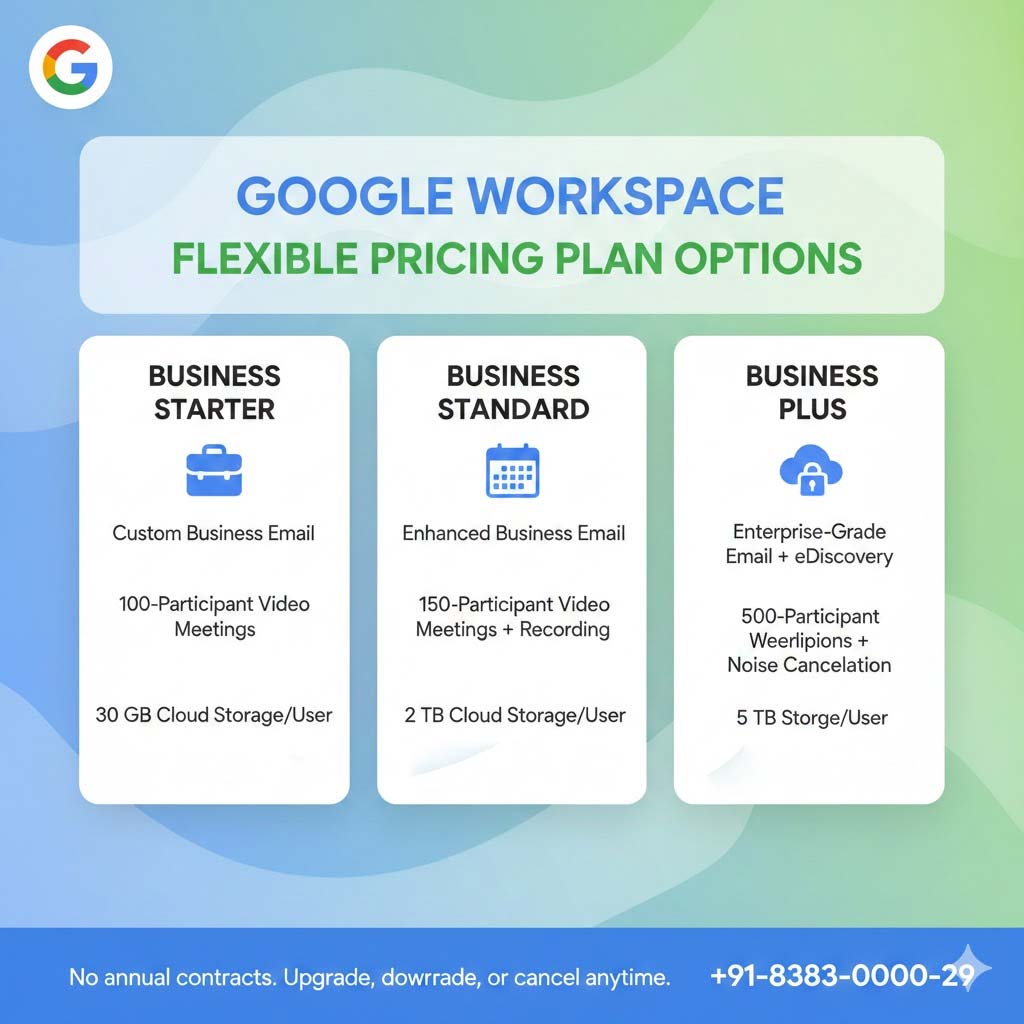
1. Flexible Plan vs. Annual Plan: Which is Better?
Before diving into the tiers, you need to choose your billing philosophy. Google offers two primary paths:
The Flexible Plan (Pay-as-you-go)
-
How it works: You are billed monthly for each user account.
-
Best for: Startups and seasonal businesses with a fluctuating headcount.
-
Pro: You can add or delete users instantly and only pay for the days they were active. There is no long-term commitment.
The Annual/Fixed-Term Plan
-
How it works: You commit to a 1-year or multi-year term.
-
Best for: Established companies with a stable team.
-
Pro: This is the most cost-effective option, offering a significant discount compared to the monthly flexible rate.
2. Compare the Google Workspace Flexible Pricing Plan
Whether you are a solo entrepreneur or a mid-sized firm, there is a specific plan designed for your stage of growth.
| Feature | Business Starter | Business Standard | Business Plus |
| Storage | 30 GB per user | 2 TB per user | 5 TB per user |
| Video Meetings | 100 participants | 150 + Recording | 500 + Attendance Tracking |
| Security | Fundamental | Enhanced | Advanced + Google Vault |
| Shared Drives | No | Yes (Team ownership) | Yes (Advanced Controls) |
| Gemini AI | Basic Support | Full Integration | Enterprise-Grade AI |
Business Starter: The Professional Foundation
Ideal for micro-businesses looking to move away from @gmail.com. It provides the professional branding you need at the lowest entry point.
-
Key Limitation: 30 GB of storage is shared across Drive and Gmail, which can fill up quickly if you handle large media files.
Business Standard: The "Sweet Spot" for Growth
This is the most popular plan for a reason. It introduces Shared Drives, meaning the company owns the files, not the individual—essential for protecting data when an employee leaves.
-
Why upgrade? You get a massive jump to 2 TB of storage and the ability to record Google Meet sessions.
Business Plus: The Compliance Powerhouse
If you work in legal, finance, or healthcare, this is your plan. It includes Google Vault for data retention and eDiscovery, plus enhanced endpoint management to secure company data on mobile devices.
3. The "Hidden" Costs: Domain & Add-ons
When comparing pricing, remember that your Google Workspace subscription does not usually include your Domain Registration (e.g., .com or .in). You must maintain your domain separately.
Additionally, while Gemini AI is now integrated, "Gemini Business" or "Gemini Enterprise" add-ons are available for those who want the absolute cutting edge of AI productivity (like automated meeting transcripts and advanced data analysis).
4. Why Partner with namaSTu.com for Your Pricing?
Buying directly from Google is an option, but partnering with an authorized reseller like namaSTu.com offers distinct advantages:
-
Local Currency & Invoicing: Avoid foreign transaction fees. We provide local tax-compliant invoices (GST/VAT).
-
Strategic Audits: We don't just sell licenses; we audit your usage. If you have 50 users but only 10 need "Business Plus," we help you mix and match (where applicable) to save money.
-
Expert Support: Skip the bot-based support. Get a dedicated account manager who understands your business context.
FAQs-Google Workspace Flexible Pricing Plan Options
Can I switch plans later? Yes. You can upgrade from Starter to Standard at any time. Downgrading is also possible, though it requires a review of your current storage usage to ensure no data is lost. Is there a free trial for these plans? Yes! You can try any Business edition for 14 days free. Contact us to help you set up your trial correctly.Which Plan should you choose in Google Workspace Email?
-
Choose Business Starter if you just need a professional email.
-
Choose Business Standard if you have a team and need to share files securely.
-
Choose Business Plus if you need high-level security and compliance.
Ready to find the right plan for your budget?